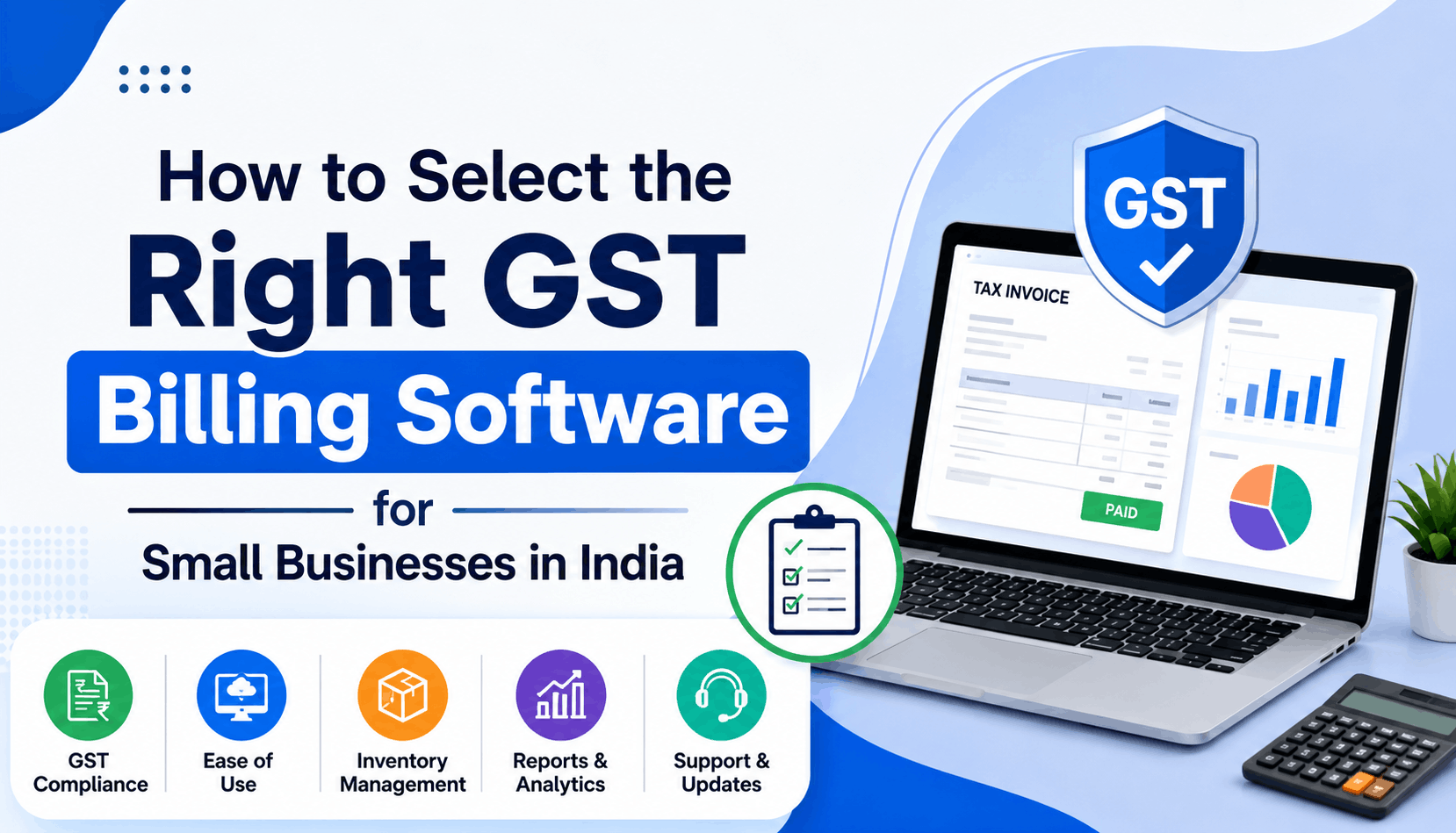
Choosing GST billing software is not simply about finding a tool that can generate an invoice. For a small business in India, the right software should make everyday billing easier, keep tax information organised, reduce manual work, and fit the way the business actually operates.
The best GST billing software India option will depend on factors such as your transaction volume, inventory needs, number of users, branches, accounting workflow, and future growth.
This guide explains what to check before choosing software, which features matter most, common mistakes to avoid, and how to compare solutions such as WebLedger with other options.
What is GST billing software?
GST billing software is a business application that helps create GST compliant invoices and maintain related sales records. Depending on the product, it may also handle purchases, inventory, payments, GST reports, e-invoicing, e-way bills, and accounting.
A GST invoice needs specific information. CBIC’s invoice rules include details such as the supplier’s GSTIN, invoice number and date, recipient details where applicable, HSN or Accounting Code, description, quantity for goods, and the value of the supply.
This is why a basic invoice template and proper billing software are not quite the same thing. Good software helps make the required information part of the billing workflow rather than leaving the user to remember every field manually.
Why should a small business use GST billing software?
For a very small operation with only a few transactions, spreadsheets or manually prepared invoices may appear sufficient. The problem usually starts when the number of customers, products, invoices, or payment follow-ups increases.
Billing software can help with:
- Creating invoices with the required GST information
- Calculating applicable taxes
- Maintaining customer and product records
- Tracking unpaid invoices
- Recording sales and purchases
- Managing inventory, where supported
- Preparing GST related reports
- Reducing repeated data entry
- Sharing invoices digitally
- Keeping business information accessible across devices, where cloud access is available
The real benefit is not simply producing a prettier invoice. It is having a more consistent process from sale to payment and accounting.
The real benefit is not simply producing a prettier invoice
What should you check before choosing GST billing software?
There is no single “best” billing application for every Indian business. Start with your workflow rather than the software’s feature list.
1. GST invoice compliance
This should be your first check.
The software should let you capture the information relevant to your GST invoices, including GSTINs, HSN/SAC details, tax rates, invoice numbers, customer information, and applicable tax components.
Ask a vendor:
- Can I create both intra state and inter state invoices?
- Can I configure GST rates for my products or services?
- Can I handle credit notes and other adjustments?
- Can I export the data needed by my accountant?
- How does the software handle GST related updates?
Do not assume that a product is compliant simply because its website says “GST billing.” Review the actual invoice output and workflow before committing.
2. E-invoicing support
E-invoicing is different from simply creating a GST invoice.
The government e-invoicing system requires applicable taxpayers to report specified invoices to an Invoice Registration Portal (IRP), which generates an Invoice Reference Number (IRN). The official IRP information currently lists the notified threshold at an aggregate annual turnover of Rs.5 crore or more, effective from 1 August 2023, subject to the applicable rules and exemptions.
If your business is approaching this threshold, choosing software with e-invoicing capability can prevent a disruptive change later.
Look for:
- Direct or supported IRP integration
- IRN generation
- QR code handling
- Error or validation messages
- Easy cancellation or correction workflows where applicable
For example, WebLedger Books states that it integrates with the government e-invoice portal and can generate IRNs and signed QR codes through its e-invoicing workflow.
3. E-way bill functionality
If your business regularly moves goods, e-way bills may become part of the same workflow.
Instead of entering invoice information again, look for software that can generate an e-way bill from the relevant sales invoice and retain the information for future reference.
WebLedger says its e-way bill functionality can use sales invoice information, handle Part A and Part B details, submit information to the government portal, and provide a downloadable PDF.
The important question is not whether the feature exists. It is whether it removes duplicate work for your team.
4. Inventory management
Inventory needs vary dramatically between businesses.
A consultant may need little more than service billing. A distributor, retailer, manufacturer, or wholesaler may need stock quantities, item level records, purchase tracking, and low stock visibility.
If you sell physical products, check whether the software can support the workflow you actually use:
| Requirement | Why it matters |
|---|---|
| Item-wise stock | Helps track available quantities |
| Purchase records | Connects purchases with stock |
| Sales records | Shows what has been sold |
| Stock adjustments | Useful for returns, damage, or corrections |
| Multi-branch inventory | Important when stock is held at different locations |
| Low-stock visibility | Helps prevent avoidable stock-outs |
Do not pay for complicated inventory features if your business does not need them. But equally, do not choose a basic invoicing tool and then discover that you need a separate inventory system six months later.
5. Ease of use
Small businesses often have owners, sales staff, accountants, or office employees creating invoices. The person using the software may not be an accounting specialist.
A useful test is simple: ask someone who will actually create invoices to make a sample invoice without your help.
Check:
- How many screens are required?
- Can products and customers be found quickly?
- Are tax calculations easy to understand?
- Can an invoice be corrected without creating confusion?
- Can invoices be shared directly?
- Are reports easy to find?
A feature rich system that nobody wants to use can create more work rather than less.
6. Cloud access and mobile support
Cloud based billing can be useful when business owners or employees need access outside a single office computer.
WebLedger Books describes itself as cloud based and supports access across devices, while its mobile application supports creating, viewing, downloading, and sharing invoices.
Before choosing cloud software, also check how user access works, what permissions are available, how data is backed up, and what happens if your internet connection is unavailable.
7. Reporting and accounting
Billing is only one part of financial management.
As the business grows, you may want to know:
- How much has been sold?
- Which customers have outstanding payments?
- Which products sell most?
- What are the purchase and expense levels?
- What taxes have been recorded?
- What is the position of each branch?
This is where accounting and billing software can become more valuable than a standalone invoice generator.
WebLedger’s current product information lists sales, purchases, expenses, payments, accounting, GST reports, bank import, bank reconciliation, inventory, e-invoicing, and e-way bills among its capabilities.
How does WebLedger compare with other GST billing options?
WebLedger is one option among several. Businesses may also consider products such as Zoho Invoice, Vyapar, or other GST focused accounting and billing applications.
The right comparison is not simply “which software has more features?” Instead, compare the workflow.
| What to compare | Basic billing tool | Broader accounting platform |
|---|---|---|
| GST invoices | Usually | Yes |
| Customer records | Usually | Yes |
| Payment tracking | Varies | Usually |
| Inventory | Varies | Often available |
| GST reports | Varies | Usually |
| E-invoicing | Depends on product | Depends on product |
| E-way bills | Depends on product | Depends on product |
| Accounting | Limited or separate | More comprehensive |
| Multi-branch support | Varies | Often available |
For example, Zoho Invoice currently offers GST invoicing, payment reminders, recurring invoices, expenses, delivery challans, GST filing related functionality, reports, and integrations.
That does not automatically make it the right choice for every business. A company should compare its actual requirements, accounting setup, integrations, support expectations, and budget.
WebLedger may be worth considering for businesses that want billing alongside broader accounting, inventory, GST reporting, bank reconciliation, and e-invoicing/e-way bill workflows. Its suitability should still be assessed against the business’s specific needs.
A practical way to shortlist GST billing software
Instead of signing up for several products and exploring them randomly, use a simple five step process.
Step 1: List your current billing workflow
Write down how an invoice is created today.
For example:
Order received → customer details checked → invoice prepared → GST calculated → invoice shared → payment tracked → transaction recorded in accounts
Then mark the steps that currently require duplicate entry.
Step 2: Separate must-have and nice-to-have features
Your must-have list might include:
- GST compliant invoicing
- Customer and product management
- Payment tracking
- Inventory
- GST reports
- E-invoicing
- E-way bills
Your nice-to-have list might include additional automation, integrations, dashboards, or mobile functionality.
This prevents impressive but unnecessary features from influencing the decision.
Step 3: Test with real business data
Do not test only with a perfect imaginary invoice.
Create sample transactions that reflect your business:
- A regular sale
- An inter-state sale
- A discount
- A product return
- A credit note
- A partially paid invoice
- A transaction involving multiple tax rates
This quickly exposes awkward workflows.
Step 4: Check the accountant’s workflow
If an external accountant or CA handles your GST and accounts, involve them before purchasing.
Ask whether the software makes it easy to obtain the records and reports they need. A billing system that is convenient for the salesperson but difficult for the accountant may simply move the workload elsewhere.
Step 5: Check the total cost
Do not look only at the advertised subscription price.
Consider:
- Number of users
- Number of businesses or branches
- Additional modules
- Setup or onboarding costs
- Data migration
- Support
- Integrations
- Future upgrades
A cheaper system may cost more if employees spend hours correcting or transferring information.
Common mistakes to avoid
Choosing software because it has the longest feature list
Why it happens: More features sound like better value.
Why it matters: Extra complexity can make routine billing slower.
What to do instead: Choose the smallest feature set that properly supports your current workflow and likely near term growth.
Checking GST compliance only after buying
Why it happens: Businesses assume every product labelled “GST billing software” works the same way.
Why it matters: Your invoices and reporting workflow need to fit the applicable GST requirements.
What to do instead: Generate sample invoices and verify the fields and tax treatment before committing.
Ignoring future e-invoicing requirements
Why it happens: A business is currently below the applicable threshold.
Why it matters: Changing systems later can mean migrating data and retraining staff.
What to do instead: Ask whether the software supports e-invoicing and what the transition would look like if your business becomes liable.
Selecting software without testing the people who will use it
Why it happens: Owners often evaluate software themselves.
Why it matters: Daily users may encounter very different problems.
What to do instead: Give the actual billing staff a trial transaction and observe the process.
Illustrative example: a growing distributor
Consider a small distributor that started with invoices prepared in spreadsheets. Initially, this worked because there were only a few customers and products.
As sales increased, the business began maintaining separate spreadsheets for invoices, stock, customer dues, and GST information. The owner could prepare an invoice, but checking the total outstanding amount required looking through several files.
The sensible next step is not simply “buy accounting software.” The business should look for a system that connects billing, customer balances, inventory, and GST related records.
If the distributor also expects to become subject to e-invoicing, that requirement should be part of the selection process now rather than after the business crosses the relevant threshold.
Lesson: Choose software based on the workflow you need to manage, not just the invoice you need to print.
Questions to ask before you buy
Use this checklist when comparing GST billing software:
- Does it generate the GST invoices my business requires?
- Can it handle my products, services, tax rates, and HSN/SAC requirements?
- Does it support credit notes and returns?
- Can it generate e-invoices if my business becomes liable?
- Does it support e-way bills if I move goods?
- Can it track customer outstanding amounts?
- Do I need inventory management?
- Can multiple employees use it with appropriate access controls?
- Can I access the data from different devices?
- Can my accountant easily obtain the required reports?
- What happens to my data if I stop using the software?
- What is the complete cost as my business grows?
If a vendor cannot give a clear answer to the questions that matter most to your workflow, keep comparing.
The right choice depends on your business, not the feature count
The best GST billing software India option is the one that fits your transactions, people, accounting process, and growth plans.
For a service business, simple GST invoicing and payment tracking may be enough. For a retailer or distributor, inventory and outstanding management may matter more. For a growing company, cloud access, user permissions, GST reports, e-invoicing, e-way bills, and accounting integration can become important.
WebLedger is worth evaluating when you want billing to sit alongside broader accounting, inventory, GST reporting, bank reconciliation, and e-invoicing/e-way bill capabilities.
The best approach is practical: define your workflow, identify must-have requirements, test real transactions, involve your accountant, and compare the total cost before making a decision.
Frequently Asked Questions
Common questions about GST billing software and its features.