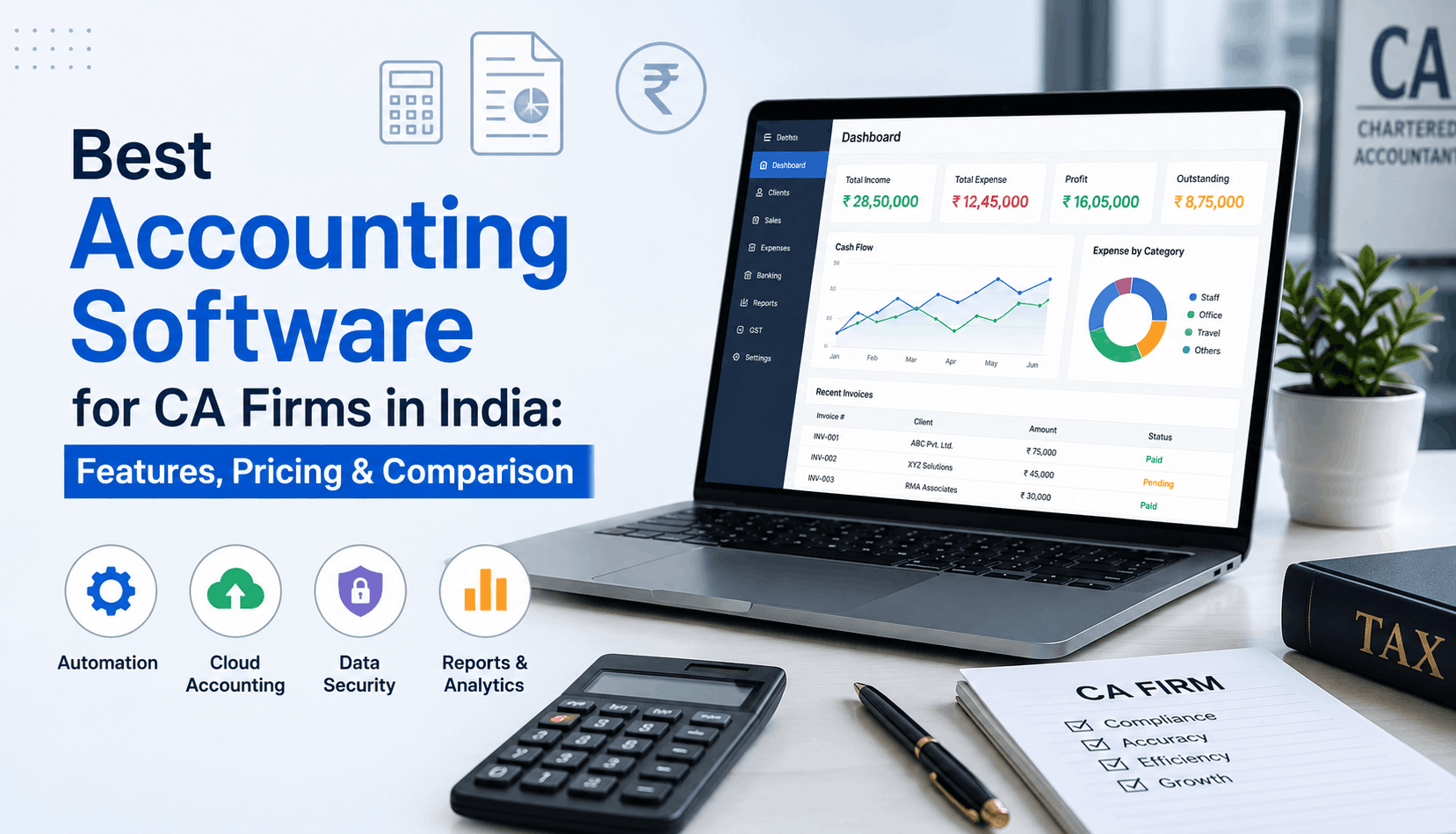
Running a CA firm today is very different from what it was a few years ago. Clients expect faster responses, GST filings have become more demanding, and managing multiple businesses manually is no longer practical. Most firms reach a point where Excel sheets, scattered data, and disconnected tools start slowing everything down.
That’s usually when firms begin searching for the right Accounting Software For Ca Firms.
But the real issue is not just accounting anymore. CA firms now need software that can handle GST compliance, client communication, reporting, invoicing, document management, and team coordination from one place.
The market is crowded with options, though. Some tools are built for businesses, some are designed for accountants, and a few genuinely understand how Indian CA firms operate.
Here’s what actually matters before choosing one.
What CA Firms Need From Accounting Software
A regular accounting tool may work for a retail shop or small business. A CA firm handles multiple clients, deadlines, reconciliations, GST filings, notices, and audits simultaneously.
That changes everything.
A good CA firm management software should reduce repetitive work and make daily operations easier, not more complicated.
Some essential features include:
- Multi-client accounting access
- Preparation and filing of GST return
- Bank reconciliation
- Invoice and billing management
- Document storage
- Tracking of team task
- Real-time reports
- Multi-user access
- Client communication tools
The most important thing is that ease of use matters more than feature count. Even the best features become useless if your team struggles to use the software.
Key Features to Compare Before Choosing Software
1. GST and Compliance Automation
For Indian firms, GST capabilities are non-negotiable.
The software should support:
- GSTR-1 filing
- GSTR-2B reconciliation
- E-invoicing
- E-way bill generation
- Purchase reconciliation
- GST reports
A lot of firms still export data manually between tools. That’s where things usually go wrong. Duplicate entries, missed invoices, and reconciliation mismatches waste hours every month.
Modern GST accounting software for CA firms reduces most of this manual effort.
2. Multi-Client Management
CA firms rarely manage just one company. Some firms handle hundreds of businesses at once.
The software should allow:
- Single login for multiple clients
- Quick switching between businessess
- Client-wise reports
- Separate user permissions
- Centralized dashboard
In practical terms, this saves a surprising amount of time daily.
Instead of opening separate systems repeatedly, teams can manage everything from one interface.
3. Practice Management Tools
This is where traditional accounting software often lacks.
Apart from bookkeeping, firms also need:
- Task allocation
- Notice tracking
- Employee work monitoring
- Billing and invoicing
- Outstanding payment tracking
- Document sharing
Good practice management software for chartered accountants combines accounting with operational management.
For example, if a client uploads a GST document late, the task status, communication history, and pending compliance can all stay connected in one workflow.
That reduces follow-up chaos significantly.
4. Cloud Access and Mobility
Remote work is no longer unusual for CA firms.
Partners review reports while traveling. Clients ask for data after office hours. Staff may work from different branches.
Cloud-based systems make this easier by offering:
- Access from anywhere, anytime
- Mobile applications
- Real-time data updates
- Secure backups
- Multi-branch collaboration
Many firms shifted to cloud accounting software India mainly because desktop-based systems became difficult to manage across teams.
Pricing Comparison: What Should Firms Expect?
Software pricing varies widely depending on features and number of users.
Here’s a practical breakdown.
💰 CA Software Pricing Guide
Typical pricing by software type
| Software Type | Typical Pricing | Suitable For |
|---|---|---|
| Basic Accounting Tools | Rs. 5,000 – Rs. 15,000/year | Small firms |
| GST-Focused Software | Rs. 10,000 – Rs. 30,000/year | Mid-sized firms |
| Practice Management + Accounting | Rs. 20,000 – Rs. 80,000/year | Growing CA firms |
| Enterprise-Level Systems | Rs. 1 lakh+ annually | Large firms |
Cheaper software often lacks workflow automation or multi-client efficiency. On the other hand, expensive enterprise systems can become unnecessarily complex for smaller practices.
The smarter approach is choosing software based on operational needs, not just price.
Popular Accounting Software Options for CA Firms
WebLedger
Webledger offers both accounting and practice management for CA firms.
Some notable features include:
- GST filing and reconciliation
- E-invoice and e-way bill support
- Multi-business management
- Client communication triggers
- Task and employee tracking
- Document storage
- Billing and outstanding management
- Mobile app access
It’s particularly useful for firms managing multiple clients and branches together.
Tally Solutions
Still widely used across India due to familiarity and strong accounting basics.
Strengths:
- Traditional accounting workflows
- Large user base
- GST support
- Strong offline usage
Limitations:
- Limited built-in practice management
- Requires add-ons for advanced automation
Zoho books
Popular among businesses and smaller firms looking for cloud accounting.
Strengths:
- Clean interface
- Good automation
- Mobile access
- Integrates with Zoho ecosystem
Limitations:
- Not specifically designed for CA firm operations
- Limited practice management workflows
Busy Accounting Software
Known for inventory and GST-heavy business accounting.
Strengths:
- Strong inventory management
- GST compliance features
- Affordable pricing
Limitations:
- Interface may feel outdated for some users
- Less focused on CA firm workflow management
How to Choose the Right Software
Before finalizing any software, firms should evaluate a few practical questions.
Ask yourself:
- How many clients will use the system?
- Do you need team task tracking?
- Is GST automation a priority?
- Will clients access documents directly?
- Do you require mobile access?
- How much manual reconciliation happens currently?
A small two-person firm and a 50-member CA practice will need completely different workflows.
That’s why software selection should focus on daily operational bottlenecks instead of marketing claims.
Common Mistakes CA Firms Make While Selecting Software
Choosing only based on price
Lower pricing looks attractive initially, but missing automation usually costs more time later.
Ignoring scalability
Some software works well for 20 clients but becomes messy at 200.
Overlooking training and usability
Complicated systems slow adoption across teams.
Not checking support quality
When GST deadlines are close, support responsiveness matters more than brochures.
Final Thoughts
The best Accounting Software For Ca Firms is not necessarily the one with the longest feature list. It’s the one that reduces manual work, improves visibility, and helps teams handle clients more efficiently.
For some firms, basic accounting software may still be enough. But growing CA practices usually need a combination of accounting, GST compliance, workflow management, and client coordination tools.
That’s where integrated systems create a noticeable difference.
Choosing carefully now can save hundreds of working hours across the year.
❓ Frequently Asked Questions
CA Firm Software — Buyer Guide
Regular software handles bookkeeping for a single company. CA firm software lets you manage multiple clients under one login, assign tasks to article assistants, track statutory deadlines across clients, and handle bulk GST/TDS reconciliations from a central dashboard.
Yes, most cloud-based CA software allows multi-user access with role-based permissions. A partner can review reports while article trainees enter data or reconcile bank statements for the same client without file lock issues.
Instead of manually matching invoices in Excel, the software fetches GSTR-2B data directly via the GST portal API and automatically matches it with your client’s purchase register, highlighting mismatches, missing invoices, and ineligible ITC in minutes.
Reputable cloud platforms use bank-grade encryption (256-bit SSL), regular automated backups, and role based access controls. This is often more secure than local office hard drives, which are vulnerable to hardware crashes, ransomware, or physical theft.
Yes. Most modern software provides direct import tools for Tally XML data or standard Excel templates, allowing you to bring over client masters, opening balances, ledgers, and transaction histories during setup.
Yes, tools with dedicated client portals or mobile apps let clients photograph or upload bills, bank statements, and notice copies directly. This reduces scattered WhatsApp messages and missing email attachments.
Yes. Built-in compliance calendars map GST, TDS, Advance Tax, and ROC due dates for each client automatically. The software sends automated reminders to both your staff and clients before deadlines arrive.
Yes. Practice management modules include task allocation, time tracking, and checklist management. Partners can see which tasks are pending, in progress, or delayed without holding daily status meetings.
Cloud software is generally better for modern firms because it enables remote access, mobile approvals, automatic software updates, and seamless multi-branch work. Desktop tools work well only if your firm operates strictly offline with a centralized local server.
Pricing is typically structured as an annual subscription. Basic tools cost around Rs.5,000 to Rs.15,000 per year, while comprehensive practice management and multi-client cloud software generally range from Rs.100 to Rs.300 per user per month (or Rs.15,000 to Rs.40,000 annually for small-to-midsize teams).