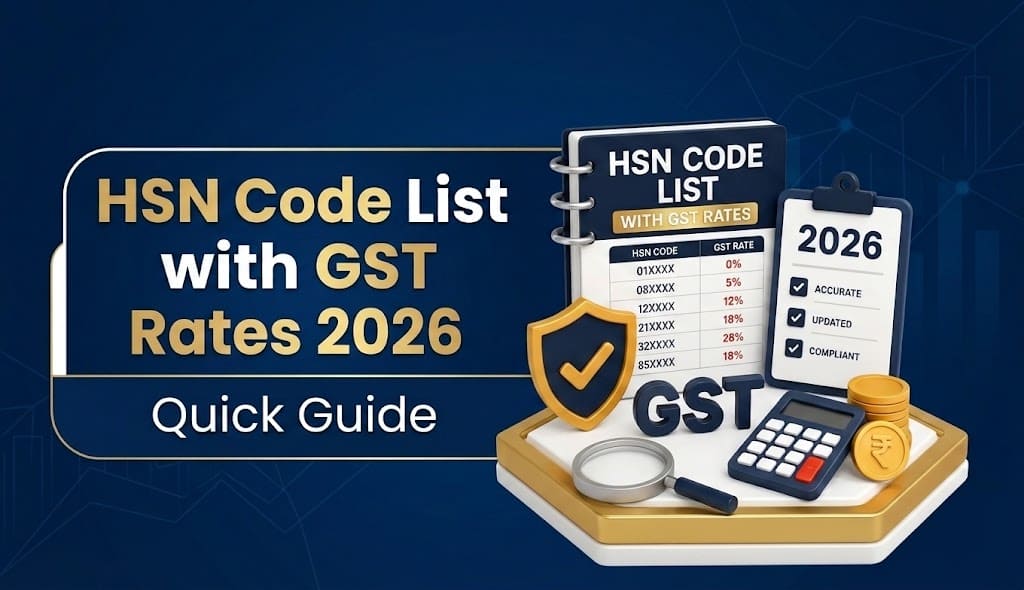
Finding the correct HSN code is a routine part of GST invoicing, but it can become confusing when a business sells products across different categories. The product name used in day to day business may not match the technical description usewd in the HSN classification system.
This HSN code list guide explains how HSN codes work in India, how to find the right code for your product, what the different digits mean, and where to verify the latest code before creating an invoice or filing GST returns.
It is useful for manufacturers, traders, wholesalers, retailers, e-commerce businesses, accountants and tax professionals.
What Is an HSN Code?
HSN stands for Harmonised System of Nomenclature. It is a structured system used to classify goods based on their nature and characteristics.
Under GST, HSN codes help identify the goods being supplied and connect them with the relevant GST classification and reporting requirements. A tax invoice is required to contain the HSN code of goods or the Accounting Code of services, subject to the applicable rules and notifications.
An HSN code generally becomes more specific as additional digits are added.
For example:
| Level | What it represents |
|---|---|
| 2 digits | Chapter |
| 4 digits | Heading |
| 6 digits | Sub-heading |
| 8 digits | More specific tariff classification |
The important point is that you should not select a code simply because the first few digits look correct. The complete description and applicable classification need to match the actual product.
HSN Code List by Major Product Category
There are thousands of HSN classifications, so a practical HSN code list is easier to use when organised by product category.
The following table provides commonly encountered headings as a starting point. It is not a substitute for checking the complete current HSN master, particularly where a product has multiple possible classifications.
| Product category | Common HSN heading/examples |
|---|---|
| Live animals and animal products | Chapters 01–05 |
| Vegetable products | Chapters 06–14 |
| Edible oils and fats | Chapter 15 |
| Food preparations | Chapters 16–24 |
| Mineral products | Chapters 25–27 |
| Chemicals | Chapters 28–38 |
| Plastics and rubber | Chapters 39–40 |
| Leather and related products | Chapters 41–43 |
| Wood and wood products | Chapters 44–46 |
| Paper and paperboard | Chapters 47–49 |
| Textiles and textile articles | Chapters 50–63 |
| Footwear and headgear | Chapters 64–67 |
| Stone, cement, ceramics and glass | Chapters 68–70 |
| Precious metals and jewellery | Chapter 71 |
| Base metals and articles | Chapters 72–83 |
| Machinery and mechanical equipment | Chapters 84–85 |
| Vehicles and transport equipment | Chapters 86–89 |
| Optical, medical and measuring equipment | Chapters 90–92 |
| Arms and ammunition | Chapter 93 |
| Furniture and miscellaneous manufactured goods | Chapters 94–96 |
| Works of art and miscellaneous items | Chapter 97 |
These chapter ranges are useful for narrowing down a product, but the final classification can depend on the product’s material, composition, function, processing, packaging and other characteristics.
For example, CBIC’s GST FAQs show that even apparently similar products can fall under different headings depending on their characteristics. Solar panel mounting structures, for example, can fall under heading 7308 when made of iron or steel and 7610 when made of aluminium.
That is why searching only by a common product name can sometimes produce the wrong result.
How Do You Find the Correct HSN Code?
The safest approach is to verify the product against an official HSN database rather than relying on an old spreadsheet or an unrelated website.
The GST Portal provides a Search HSN Code functionality. The revamped search allows taxpayers to search using an HSN code or a product/service description. It was specifically enhanced to make searches easier when the common trade description differs from the technical HSN description.
Step 1: Identify the product accurately
Start with the actual product rather than its brand name.
Record details such as:
- Product name
- Main material
- Composition
- Primary use
- Form or condition
- Whether it is processed or unprocessed
- Packaging, where relevant
- Whether it is a finished product, component or raw material
Step 2: Search using the product description
Use the GST Portal’s Search HSN functionality and try the common trade description.
The GST system supports searching by description as well as by HSN.
Step 3: Compare the technical descriptions
Do not immediately select the first matching result.
Read the technical description and check whether it actually describes your product.
Step 4: Check the applicable GST rate separately
An HSN classification and a GST rate are related, but they should not be treated as interchangeable.
CBIC publishes GST rate information and examples of classification questions. Its FAQs demonstrate that the same broad product category can have different treatment depending on the precise classification and characteristics.
Step 5: Use the verified code consistently
Once the correct HSN is established, maintain it in your product master and use the same verified classification across invoices and GST reporting, subject to applicable changes.
What Is the Difference Between HSN and SAC?
HSN is primarily used for goods, while SAC, or Service Accounting Code, is used for services.
For example:
- A manufacturer selling electrical equipment will generally classify the goods using an HSN code.
- A business providing a taxable service will use the applicable SAC.
The GST invoice rules refer to the HSN code of goods or the Accounting Code of services.
This distinction matters when setting up products and services in accounting software. A business that sells both goods and services should maintain the relevant classification for each item instead of treating every item as an HSN product.
How Many Digits of HSN Code Are Required in 2026?
This is one of the most important areas to check because older articles can contain outdated requirements.
For GSTR-1 Table 12, the GST Portal’s current guidance states that from the May 2025 return period:
- Taxpayers with AATO up to Rs.5 crore must report HSN codes at the 4-digit level.
- Taxpayers with AATO above Rs.5 crore must report HSN codes at the 6-digit level.
The current Phase 3 implementation also requires HSN codes to be selected from the GST Portal’s dropdown rather than manually entered in Table 12.
The GST Portal’s current GSTR-1 guidance also states that HSN codes can be searched by description and that the description associated with the selected code is auto populated.
Quick reference
| Aggregate Annual Turnover | GSTR-1 Table 12 HSN reporting |
|---|---|
| Up to Rs.5 crore | 4-digit HSN |
| More than Rs.5 crore | 6-digit HSN |
These requirements relate specifically to the current GSTR-1 reporting framework. Businesses should also check the requirements applicable to their invoices, e-invoices and specific supplies.
Why Does the Correct HSN Code Matter?
An incorrect HSN classification can create problems beyond simply displaying the wrong number on an invoice.
It can affect:
- GST reporting
- HSN-wise summaries
- Invoice accuracy
- E-invoicing data
- Product master data
- GST rate determination
- Internal sales reports
- Reconciliation and compliance checks
The GST Portal requires HSN-wise summaries of outward supplies in GSTR-1. For the current system, Table 12 is divided into B2B and B2C supplies.
The portal also provides a facility to download an updated HSN/SAC list containing codes and descriptions.
For businesses with hundreds or thousands of products, maintaining this information manually can therefore become difficult.
Common HSN Classification Mistakes
1. Choosing a code based only on the product name
A common trade name does not always provide enough information to classify a product correctly.
What to do instead: Check the technical description and relevant product characteristics.
2. Using an old HSN list
HSN masters and GST reporting requirements can change.
What to do instead: Verify important classifications against the current GST Portal or applicable official sources before using them.
3. Assuming similar products have the same HSN
Two products may look similar but differ in material, composition or intended use.
What to do instead: Examine the exact product specification.
4. Treating HSN and GST rate as the same thing
An HSN code identifies/classifies the goods. The applicable tax rate is determined under the relevant GST rate notifications and entries.
What to do instead: Verify both classification and rate.
5. Maintaining HSN only inside invoices
If the HSN is repeatedly entered manually, errors become more likely.
What to do instead: Maintain a proper product master with the verified classification.
Illustrative Example: A Wholesale Electrical Business
Situation:
A wholesale electrical business sells cables, electrical equipment and related items to several business customers.
Problem:
The team maintains product names in a spreadsheet but enters HSN details manually while preparing invoices. Different employees sometimes use different classifications for similar products.
Action:
The business first reviews its product master, identifies the exact characteristics of each product and verifies the HSN against the current GST classification. The verified HSN is then maintained with the product information used for invoicing.
Result:
The workflow becomes more consistent because employees are no longer trying to determine the HSN from scratch for every invoice.
Lesson:
For businesses with a large catalogue, HSN classification is better treated as part of master data management, not as an afterthought during billing.
How Accounting Software Can Help With HSN Management
The value of accounting software is not simply generating an invoice faster. For businesses with many products, it can also help maintain consistent product information.
A practical workflow looks like this:
Product master → HSN/SAC → GST rate → Invoice → GST reporting
WebLedger Books is designed as cloud accounting software for businesses and includes GST oriented accounting and invoicing workflows. For a business using accounting software, the useful approach is to maintain verified product information in the system instead of repeatedly typing classification details into individual invoices.
That is particularly relevant for businesses dealing with multiple products, GST rates, branches or regular invoicing.
However, software should not be treated as a replacement for classification judgement. If the underlying HSN is wrong, automation can simply repeat the wrong information faster.
Where Can You Get the Latest HSN Code List?
For the most reliable information, use official GST resources rather than depending on static third-party lists.
The GST Portal’s Search HSN Code facility allows users to search by HSN or description. The GST Portal also provides an updated HSN/SAC download facility within the GSTR-1 HSN workflow.
For GST rates and classification related questions, CBIC’s GST resources are another useful official reference.
This is especially important when preparing a 2026 HSN code list, because a list published several years ago may not reflect the current GST Portal master or reporting requirements.
HSN Code Checklist for Businesses
Before using an HSN code on an invoice, check:
- Is the product description accurate?
- Have you checked the material and composition?
- Does the technical HSN description match the product?
- Have you verified the current HSN in the GST Portal?
- Have you checked the applicable GST rate separately?
- Is the required number of HSN digits being reported?
- Is the product master updated?
- Is the same classification being used consistently?
- Have recently changed or newly introduced products been reviewed?
- Are your GST reports using the same verified classification?
A few minutes spent validating the classification can prevent repeated corrections later.