Managing a CA firm involves much more than filing GST returns, preparing financial statements, and handling audits. Partners also need to manage clients, assign work, monitor compliance deadlines, track employee productivity, organise documents, and ensure timely billing.
As the number of clients grows, managing these activities through spreadsheets, emails, and separate applications becomes difficult.
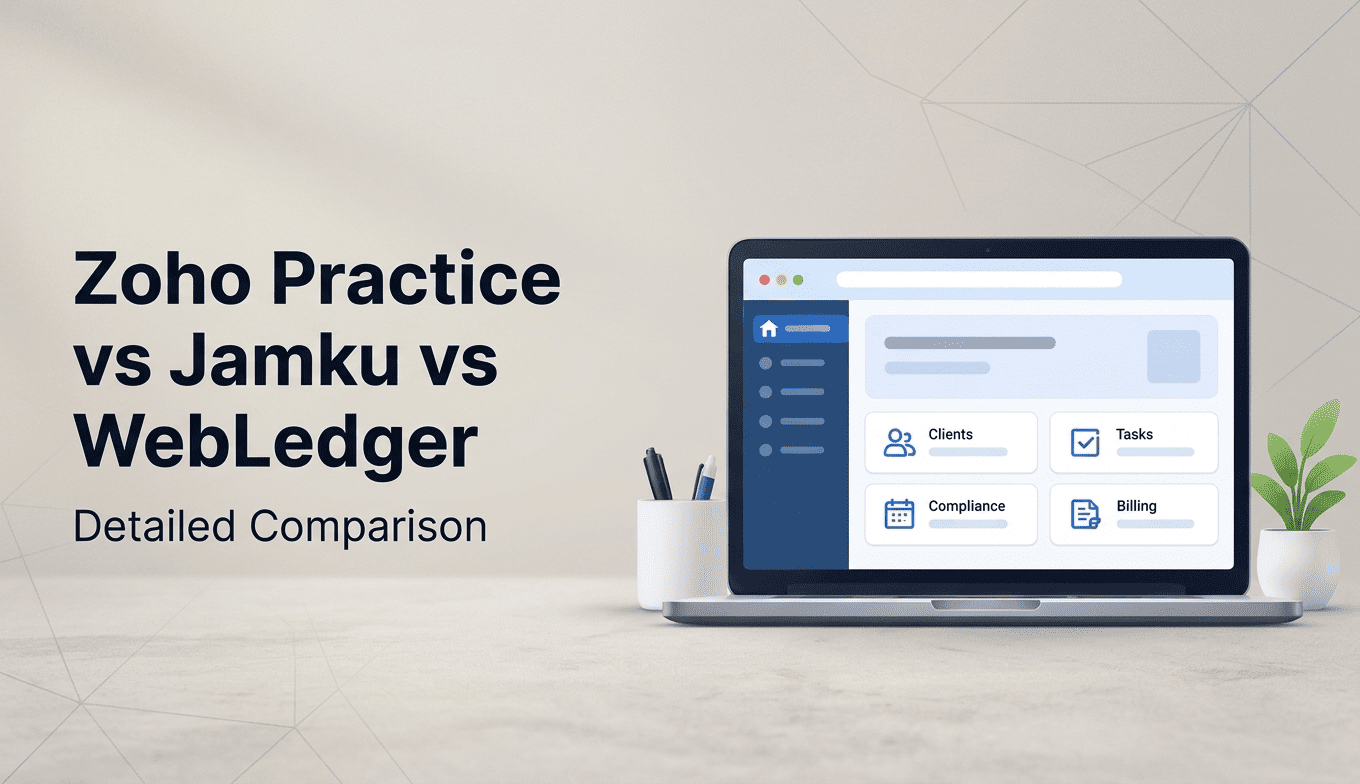
This is why many Chartered Accountants are considering practice management software. Three options worth evaluating are Zoho Practice, Jamku, and WebLedger Office.
Although all three address practice management needs, they differ in their approach to workflow management, client communication, team monitoring, billing, and pricing. Understanding these differences can help CA firms choose software that fits their daily operations.
What Should CA Firms Look for in Practice Management Software?
Before comparing software, identify the activities that consume most of your team’s time.
A useful practice management system should help with:
- Client Management: Maintain client details, groups, contact information, and records.
- Task Management: Assign work, set deadlines, and monitor task completion.
- Compliance Tracking: Monitor recurring GST, income tax, TDS, and other compliance activities.
- Team Management: Track employee responsibilities, attendance, and productivity.
- Document Management: Organise client documents and manage document requests.
- Billing Management: Generate invoices, monitor outstanding payments, and track unbilled work.
- Reporting: Understand workload, revenue, employee performance, and pending assignments.
The right software should bring these activities together rather than create another application for your employees to manage.
Zoho Practice vs Jamku vs WebLedger: Feature Comparison
Here is a comparison of the three platforms based on their publicly available product information.
| Features | Zoho Practice | Jamku | WebLedger Office |
| Client Management | Yes | Yes | Yes |
| Task Management | Yes | Yes | Yes |
| Recurring Tasks | Yes | Yes | Yes |
| Compliance Tracking | Tax alerts and workflows | Compliance dashboard | Compliance task management |
| Team Management | Yes | Yes | Yes |
| Timesheet | Yes | Yes | Yes |
| Attendance | Not listed as a core feature on the pricing page | Yes | Yes |
| Document Management | Yes | Yes | Yes |
| Client Portal | Premium plan | Yes | Yes |
| Billing Management | Yes | Yes | Yes |
| WhatsApp Integration | Yes | Available features should be verified | Yes |
| Internal Team Communication | Chat discussions | Separate options/add-ons | Internal team chat |
| DSC Management | Not listed as a core feature | Digital signature module | Yes |
Feature availability may depend on the selected plan, configuration, or additional modules. Check with each provider before purchasing.
1. Zoho Practice: Suitable for Firms Looking for an Integrated Zoho Ecosystem
Zoho Practice is a practice management platform designed for accounting professionals. It focuses on managing clients, tasks, documents, team collaboration, and billing.
Its major advantage is its connection with the broader Zoho Finance ecosystem.
Key Features
- Centralised client management
- Task assignment and recurring tasks
- Client collaboration and chat discussions
- Document repository
- Timesheets and billing
- Audit workpapers
- Custom reports
- Workflow automation
- WhatsApp integration
Zoho Practice also connects with products such as Zoho Books, Zoho Payroll, Zoho Expense, and Zoho Inventory.
Pricing
According to its India pricing page:
- Standard: Rs.2,950 per organisation/month, billed annually.
- Premium: Rs.8,950 per organisation/month, billed annually.
Both plans list up to five users. Additional users are charged separately.
Who Should Consider Zoho Practice?
Zoho Practice can be suitable for CA firms that already use Zoho products or want to manage accounting practice workflows within the Zoho ecosystem.
One consideration is that Standard plan client management is listed for Zoho clients only. Firms working with clients using different accounting platforms should evaluate the Premium plan and its client management capabilities.
2. Jamku: Focused on Task and Office Management for CA Firms
Jamku is an office management software designed specifically for professionals providing compliance and related services.
Unlike broader business management platforms, Jamku focuses strongly on task management and tracking the work performed by a professional firm.
Key Features
- Client and group management
- Compliance dashboard
- Recurring and non-recurring tasks
- Task assignment and verification
- Timesheets and work tracking
- Attendance management
- Document inward and outward tracking
- Billing and money management
- Client profitability reports
- Digital signature management
One useful aspect of Jamku is its task lifecycle.
A task can move through different stages, including creation, assignment, progress tracking, completion, and verification. Its billing status can also be tracked separately.
This helps partners understand not only whether work is completed but also whether it has been billed.
Pricing
Jamku’s published India pricing includes:
- Startup: Rs.6,500/year for teams of up to five.
- Growing: Rs.1,300/user/year for teams of up to 30.
- Enterprise: Rs.1,500/user/year for teams above 30.
GST and applicable additional charges are separate.
File storage and certain optional modules may involve additional costs.
Who Should Consider Jamku?
Jamku can be a suitable option for CA firms that prioritise structured task management, compliance tracking, work allocation, and profitability analysis.
Firms should also evaluate its implementation requirements, additional modules, and the extent of communication and document management they need.
3. WebLedger Office: Practice Management with Integrated Office Automation
WebLedger Office is designed for Chartered Accountants, Company Secretaries, CMAs, Advocates, and Tax Consultants.
Its focus is to bring client management, task tracking, billing, document management, and team monitoring into one connected workspace.
Instead of managing these activities separately, firms can organise their daily operations through a common platform.
Key Features
1. Client Management
Maintain client information, organise clients into groups, and manage client access through a centralised system.
2. Task and Workflow Management
Assign responsibilities, track work progress, manage recurring assignments, and monitor pending activities.
3. Billing Automation
Generate invoices, manage quotations, track outstanding payments, and monitor unbilled work.
4. Employee Timesheet and Attendance
Monitor employee attendance, punch-in/punch-out records, and time spent on different assignments.
5. Document and DSC Management
Organise client documents and manage Digital Signature Certificates with expiry reminders.
6. WhatsApp Automation
Send client reminders and communicate important information through WhatsApp-based workflows.
7. Multi-Firm Billing
Manage billing activities across multiple firms while maintaining better visibility over invoices and collections.
8. Reports and Dashboards
Monitor employee activities, pending tasks, invoice values, outstanding amounts, and service-wise revenue.
Who Should Consider WebLedger Office?
WebLedger Office can be considered by CA firms looking for a combination of practice management, billing automation, document management, employee monitoring, and client communication.
It is particularly relevant for firms that want to manage multiple operational activities without depending on several disconnected tools.
Zoho Practice vs Jamku vs WebLedger: Which One Should You Choose?
There is no single practice management software that is ideal for every CA firm. The right choice depends on the firm’s existing technology, team size, workflow, and operational requirements.
Consider the following:
| Your Requirement | Software to Evaluate |
| Integration with Zoho Finance products | Zoho Practice |
| Detailed task and work tracking | Jamku |
| Task, billing, and team management together | WebLedger Office |
| Zoho-based client collaboration | Zoho Practice |
| Compliance task lifecycle and verification | Jamku |
| Multi-firm billing and DSC management | WebLedger Office |
| Employee attendance and timesheet tracking | Compare Jamku and WebLedger Office |
Before making a decision, request a demonstration using your actual office workflow.
For example, check how the software handles a monthly GST assignment, from creating the task and assigning an employee to tracking completion, verifying the work, generating an invoice, and following up on payment.
This practical exercise will reveal more than a feature checklist.
Illustrative Example: How Practice Management Software Helps a Growing CA Firm
Consider a CA firm managing 300 clients with a team of 12 employees.
Every month, the team handles GST returns, TDS returns, accounting assignments, audits, and other compliance activities.
When assignments are tracked manually, partners may struggle to identify delayed work, employees may miss follow-ups, and completed assignments may remain unbilled.
With practice management software, the firm can:
- Maintain all client information centrally.
- Create recurring compliance tasks.
- Assign assignments to specific employees.
- Monitor pending, completed, and delayed work.
- Track employee time and attendance.
- Identify assignments awaiting billing.
- Monitor outstanding invoices and collections.
The main benefit is improved visibility. Partners can understand what is happening across the firm without depending entirely on individual employee updates.
5 Things to Check Before Purchasing CA Practice Management Software
Before selecting any platform, evaluate these five areas:
- Ease of Implementation: Can your employees start using it without extensive training?
- Workflow Flexibility: Can you configure tasks according to your firm’s services and working process?
- Data Migration: Can existing client records and relevant information be imported?
- Access and Security: Does the platform offer suitable user permissions and data protection?
- Total Cost: Consider user charges, storage, add-ons, GST, implementation, and renewal costs.
A software subscription should be evaluated based on its usefulness in daily operations, not simply the number of features advertised.
Frequently Asked Questions
1. What is practice management software for CA firms?
Practice management software helps Chartered Accountants manage clients, assignments, compliance deadlines, employees, documents, and billing from a central platform.
2. Which is better: Zoho Practice or Jamku?
Zoho Practice is worth considering for firms using the Zoho ecosystem, while Jamku focuses strongly on task and office management. The better choice depends on your workflow.
3. Is WebLedger Office suitable for small CA firms?
Yes. WebLedger Office offers a Basic plan for one user and is designed for professional firms of different sizes.
4. Can practice management software track GST deadlines?
Yes. Platforms such as Zoho Practice, Jamku, and WebLedger Office provide task or compliance management capabilities that help firms monitor recurring assignments and deadlines.
5. Can I track employee productivity using CA practice management software?
Yes. Depending on the platform, you can monitor task assignments, completion status, timesheets, attendance, and employee activities.
6. Does Jamku support task verification?
Yes. Jamku supports task verification, allowing firms to record completion and the person responsible for verifying the work.
7. Does Zoho Practice support WhatsApp integration?
Yes. WhatsApp integration is included in the publicly listed Zoho Practice plans.
8. Can WebLedger Office manage multiple firms?
Yes. WebLedger Office includes multi-firm billing functionality to help professional firms manage billing across multiple firms.
9. Is practice management software different from accounting software?
Yes. Practice management software manages a professional firm’s clients, employees, assignments, and operations. Accounting software manages financial transactions, ledgers, and financial reports.
10. What should I check before choosing CA office management software?
Check task management, compliance tracking, client communication, billing, document management, employee monitoring, data security, implementation, and total subscription costs.