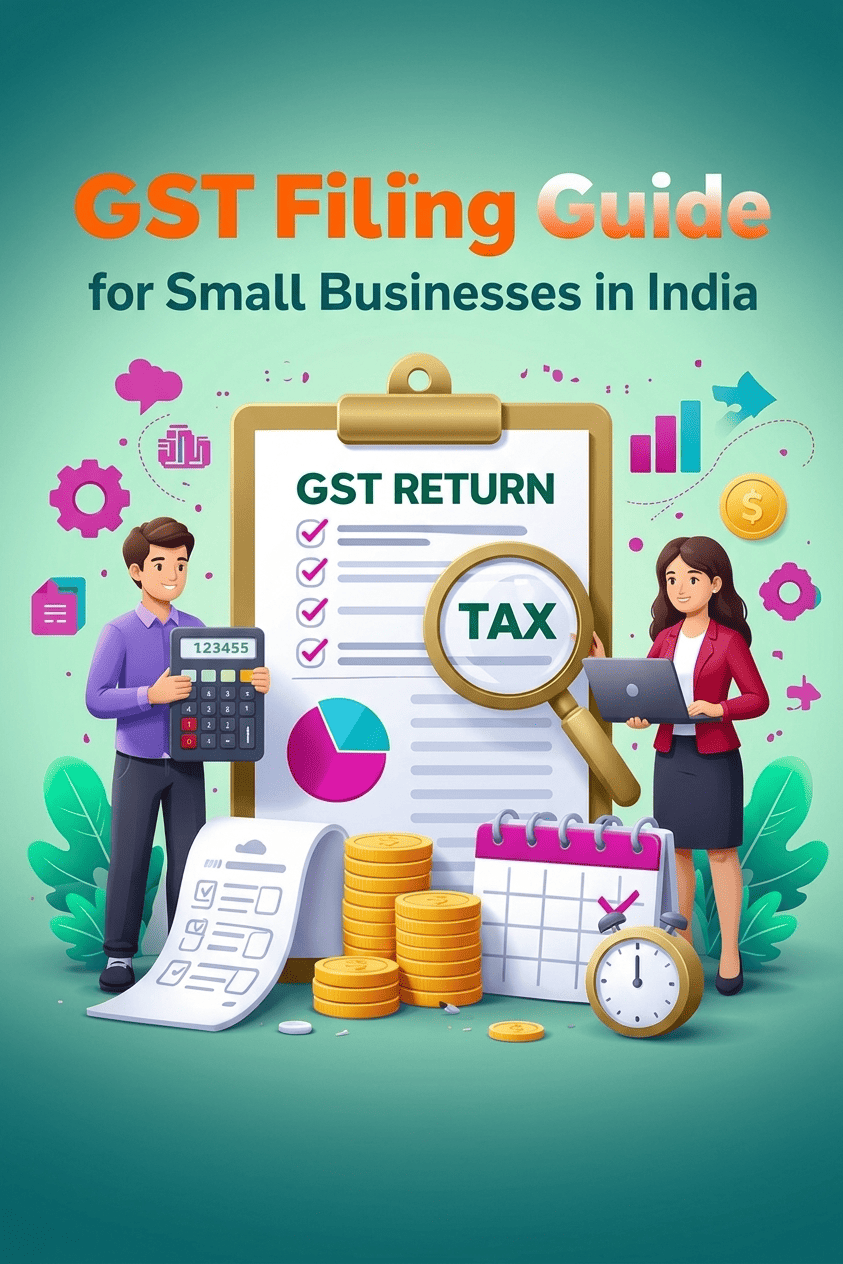
If you are a GST registered business owner, you do not necessarily need an accountant to complete every GST return. With the right records and a basic understanding of the GST portal, you can file your GST returns yourself.
The GST return filing process mainly involves reporting your sales, checking purchase related input tax credit, calculating your tax liability, and filing the applicable return through the GST portal.
For regular taxpayers, GSTR-1 is used to report outward supplies, while GSTR-3B is used to summarise tax liability and input tax credit and pay the tax due. The exact returns and filing frequency depend on your registration and scheme.
This guide explains how to file GST yourself in India, what information you need before starting, how GSTR-1 and GSTR-3B fit together, common mistakes to avoid, and when accounting software can make the process easier.
Important: GST rules, due dates and portal procedures can change through notifications or advisories. Always check the GST portal for the applicable date and requirements for your tax period.
What Is GST Return Filing?
GST return filing is the process of reporting your business’s GST related transactions to the government for a particular tax period.
Depending on the type of taxpayer, this can include information such as:
- Sales invoices
- Purchases and input tax credit
- Credit and debit notes
- Exports and other outward supplies
- GST collected from customers
- Eligible input tax credit
- Tax payable
For many regular taxpayers, two forms are particularly important:
| Return | What it generally reports |
|---|---|
| GSTR-1 | Details of outward supplies or sales |
| GSTR-3B | Summary of outward supplies, tax liability and eligible ITC, along with tax payment |
GSTR-1 contains invoice level and summary information about outward supplies. The GST portal also supports online preparation, offline JSON upload and certain third party applications through GST Suvidha Providers.
Can You File GST Yourself?
Yes, eligible taxpayers can file GST returns themselves through the GST portal.
You need an active GST registration, valid login credentials and the information required for the applicable return. Depending on the filing method and taxpayer, electronic verification can be completed through EVC or DSC as applicable.
However, filing yourself does not mean simply entering a few numbers and clicking “Submit.”
The difficult part is usually getting the underlying data right.
Before filing, you should reconcile your sales, purchases, GST collected and eligible ITC. A return filed with incorrect invoice details can create problems later even if the filing itself was completed successfully.
What Do You Need Before Filing GST?
Before opening the GST portal, keep your records ready.
1. Sales invoices
Prepare details of invoices issued during the tax period, including relevant information such as:
- Invoice number and date
- Customer GSTIN, where applicable
- Taxable value
- GST rate
- CGST, SGST/UTGST or IGST
- Place of supply
- Credit/debit notes, where applicable
GSTR-1 requires different categories of outward supply information, including B2B supplies, applicable inter state supplies to unregistered persons, exports, credit/debit notes and HSN/SAC summaries.
2. Purchase records
Keep your purchase invoices and expense records ready so that you can determine eligible input tax credit.
3. GSTR-2B
GSTR-2B is a read-only, auto drafted ITC statement generated from information reported by suppliers and other specified sources. It is used as an important input when determining ITC for GSTR-3B.
Do not simply accept the number without checking it against your own books.
4. Bank and accounting records
Your books should broadly agree with the transactions being reported in GST returns.
5. Previous GST returns
Check whether earlier returns have been filed and whether there are any outstanding liabilities or corrections to consider.
How to File GST Yourself: Step-by-Step Process
The following workflow is suitable as a practical starting point for a regular taxpayer, subject to the return type and scheme applicable to your business.
Step 1: Organise Your Sales Data
Start with your sales for the tax period.
Separate transactions into relevant categories such as:
- B2B sales
- B2C sales
- Exports
- Credit notes
- Debit notes
- Exempt or nil-rated supplies
- Other applicable categories
Pay particular attention to GSTINs, invoice numbers, dates, taxable values and GST rates.
A small error in a GSTIN or invoice number can cause unnecessary reconciliation work later.
Step 2: Reconcile Your Purchase and ITC Data
Next, compare your purchase records with GSTR-2B.
GSTR-2B provides information about ITC based on documents reported by suppliers and other specified sources. The GST portal advises taxpayers to reconcile GSTR-2B with their own records and books and to ensure that ITC is not claimed twice.
A simple working sheet can look like this:
| Check | What to verify |
|---|---|
| Purchase invoice | Is it recorded in your books? |
| Supplier GSTIN | Is this correct? |
| Invoice value | Does it match your records? |
| GST amount | Does it match the invoice? |
| GSTR-2B | Is the document reflected? |
| ITC eligibility | Is the credit actually eligible? |
| Duplicate claim | Has the same invoice already been claimed? |
If something does not match, investigate it before filing rather than blindly using the GSTR-2B total.
Step 3: Prepare GSTR-1
Log in to the GST portal and go to:
Services → Returns → Returns Dashboard
Select the relevant financial year, period and return.
For GSTR-1, the GST portal provides options to prepare the return online or upload data using the applicable offline facility.
Enter or upload the required outward supply information.
If you generate e-invoices, some invoice information can be auto populated into relevant GSTR-1 tables. The GST portal states that e-invoice data is received from the Invoice Registration Portal and populated into applicable sections of GSTR-1.
Step 4: Generate and Review the GSTR-1 Summary
Do not rush from data entry directly to filing.
Generate the GSTR-1 summary and review the figures.
Check:
- Total taxable sales
- GST amounts
- B2B invoices
- Credit/debit notes
- Exports, if applicable
- Exempt and nil-rated supplies
- HSN/SAC details
- Amendments
The GST portal specifically instructs taxpayers to review the consolidated summary before filing because records cannot be edited or deleted after GSTR-1 has been filed.
Once everything is correct, file the statement using the applicable DSC or EVC process. An ARN (Acknowledgement Reference Number) is generated after successful filing.
Step 5: Prepare GSTR-3B
After dealing with your outward supply information, move to GSTR-3B.
GSTR-3B is a summary return where the taxpayer reports applicable outward supplies, tax liability and eligible ITC and pays the resulting tax liability.
Some information can be system generated or auto populated based on data available from returns such as GSTR-1/1A and GSTR-2B. However, auto population does not mean you should skip your own reconciliation.
Review the relevant sections carefully before submitting the return.
Step 6: Calculate and Pay Your GST Liability
After considering your applicable output tax and eligible ITC, determine the amount payable.
Before filing, check whether you have sufficient balance in the appropriate electronic cash or credit ledger, as applicable.
If tax is payable, complete the required payment process and verify that the liability is correctly discharged.
Do not treat the final payable figure as something to accept automatically. It should make sense when compared with your books, sales records and eligible ITC.
Step 7: File GSTR-3B
On the GST portal, select the applicable GSTR-3B return and prepare it.
The portal provides a preview before filing. Review the return carefully, select the authorised signatory and complete the applicable DSC or EVC verification process.
For a Nil GSTR-3B, the GST portal has a specific process. A Nil return is only possible when the required conditions are satisfied, including no relevant auto populated data, no manual entries and no outstanding interest or late fee liability.
After successful filing, download and retain the filed return for your records.
What Are the GST Return Due Dates?
For GSTR-1, the standard due date is generally:
- Monthly filers: 11th of the following month
- Quarterly filers: 13th of the month following the quarter
These dates can be extended by government notification.
For taxpayers under the QRMP scheme, the applicable filing and payment process differs from the standard monthly filing process. The GST portal provides the applicable schedule and allows taxpayers to manage their filing frequency through the returns section.
Because due dates can be changed through notifications, check the GST portal for the tax period you are actually filing rather than relying on a generic calendar.
A Simple GST Filing Workflow for Small Businesses
If you are filing GST yourself every month, use this routine:
Sales records → Purchase records → GSTR-2B → Reconciliation → GSTR-1 → Review → GSTR-3B → Tax payment → Final filing → Save records
Keeping the same workflow every tax period reduces the chances of missing invoices or claiming duplicate ITC.
A useful practice is to create a GST closing checklist a few days before the due date instead of starting everything on the filing day.
Common GST Filing Mistakes to Avoid
1. Filing directly from sales totals
A business owner may look at total sales in the accounting system and enter the number into the return.
The problem is that GST reporting often requires more detailed classification.
Do instead: Reconcile invoice level records and classify transactions correctly before preparing the return.
2. Claiming ITC only because it appears in GSTR-2B
GSTR-2B is an important source for ITC reconciliation, but taxpayers still need to consider their own records and applicable GST rules.
Do instead: Reconcile GSTR-2B with your books and assess ITC eligibility before claiming it.
3. Ignoring credit notes
Credit notes can affect taxable value and tax liability.
Do instead: Maintain a separate check for credit and debit notes before filing GSTR-1.
4. Not reviewing GSTR-1 before filing
Once GSTR-1 is filed, the records reported in that statement cannot simply be edited or deleted in the same filing flow.
Do instead: Download or review the summary and compare it with your books before final submission.
5. Treating a Nil return casually
“No sales this month” does not automatically mean every GST obligation can be ignored.
Do instead: Check whether you actually meet the conditions for a Nil return and whether other filing requirements apply.
Can Accounting Software Make GST Filing Easier?
Yes. The GST portal lets taxpayers file returns, but the quality of the filing depends heavily on the accuracy and organisation of the underlying accounting data.
For a business handling a small number of transactions, manual preparation may be manageable. As invoices, customers, branches, inventory and GST transactions increase, maintaining everything in spreadsheets can become more time-consuming.
This is where accounting software can help by keeping sales, purchases, GST information and financial reports in one system.
WebLedger Books, for example, is a cloud accounting platform that includes GST related functions such as GSTR-1 reporting, GST reconciliation, e-invoicing, e-way bills and business accounting. It can be relevant for businesses that want their day to day accounting workflow connected with their GST processes.
The important point is that software does not remove the need for review. It helps organise and automate the workflow; the business owner or accountant still needs to verify the underlying transactions and tax treatment.
Illustrative Example: Filing GST for a Small Business
Consider a small electrical equipment business.
During the month, it:
- Issued several B2B invoices
- Made a few B2C sales
- Purchased inventory from GST registered suppliers
- Received one credit note from a supplier
- Generated e-invoices for applicable transactions
Before filing, the owner could follow this sequence:
- Export the month’s sales data.
- Check invoice numbers and GSTINs.
- Verify GST rates and taxable values.
- Record and review purchase invoices.
- Compare purchases with GSTR-2B.
- Check the supplier credit note.
- Prepare GSTR-1.
- Review the GSTR-1 summary.
- Prepare GSTR-3B using the reconciled figures.
- Pay the applicable tax and file the return.
- Save the filed returns and supporting records.
This is an illustrative example, not a real customer case study. The exact treatment of transactions depends on the facts of the business and applicable GST provisions.
When Should You File GST Yourself and When Should You Get Help?
Self-filing can be practical when:
- Your transactions are relatively straightforward.
- You maintain proper books.
- You understand your GST rates and sales classifications.
- You can reconcile purchases with GSTR-2B.
- You are comfortable using the GST portal.
Professional help may be appropriate when your business involves more complicated transactions, such as multiple registrations, significant interstate or export activity, complex ITC questions, reverse-charge transactions or other specialised GST issues.
The question is not simply “Can I file GST myself?”
It is also “Can I verify the numbers I’m filing?”
That distinction matters.
GST Self-Filing Checklist
Before clicking the final filing button, check:
- All sales invoices recorded
- B2B customer GSTINs verified
- GST rates checked
- Credit/debit notes included
- Purchase records updated
- GSTR-2B downloaded and reconciled
- ITC reviewed for eligibility
- GSTR-1 summary checked
- GSTR-3B figures reviewed
- Tax liability checked
- Payment completed where applicable
- Return successfully filed
- ARN/filing confirmation saved
- Filed return downloaded for records
This checklist is particularly useful if the person handling GST changes from month to month.