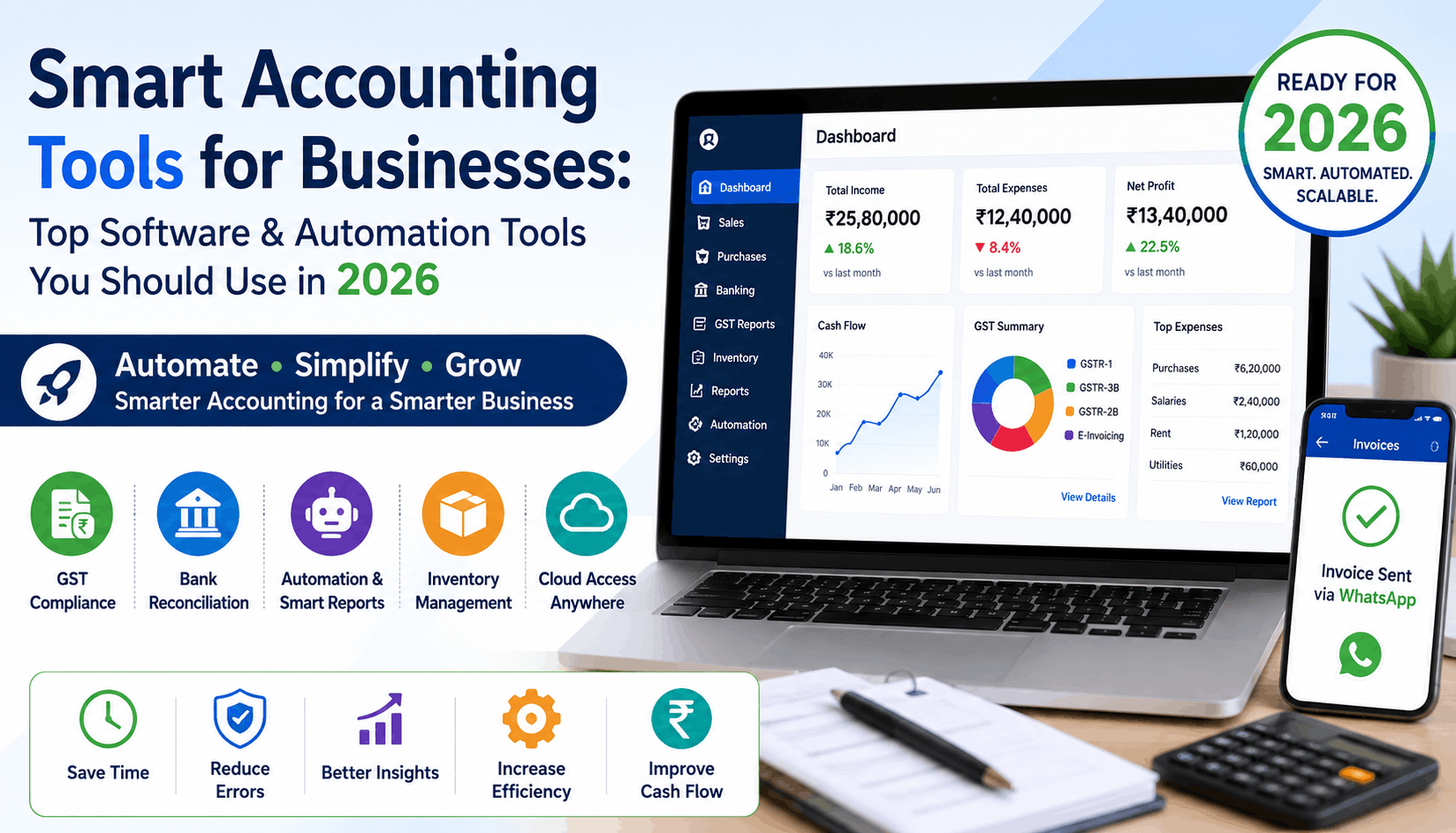
Running a business in India without decent accounting software in 2026 is like trying to navigate Mumbai traffic without Google Maps. Technically possible. Practically painful.
And yet – a surprising number of small business owners are still managing books on Excel sheets, WhatsApp-forwarded invoices, and a prayer that the GST portal cooperates on the 20th of every month. Some are paying accountants by the hour for tasks that cloud accounting software handles automatically.
That’s not a knock on accountants. It’s just that the tools have genuinely caught up. The question is whether your business has.
Why Most Businesses Are Still Stuck on Old Systems
The real issue is that switching accounting tools feels scary. There’s existing data, existing habits, and always someone in the office who insists “the old way works fine.”
But “works fine” is doing a lot of heavy lifting there. Manual entry means more errors. More errors mean reconciliation headaches. And if you’re GST-registered, reconciliation headaches become notices.
Good GST accounting software eliminates most of this. Not all of it – you still need to understand your numbers – but the grunt work? That should be automated by now.
What to Actually Look for in Accounting Software
Before getting into specific tools, here’s what actually matters:
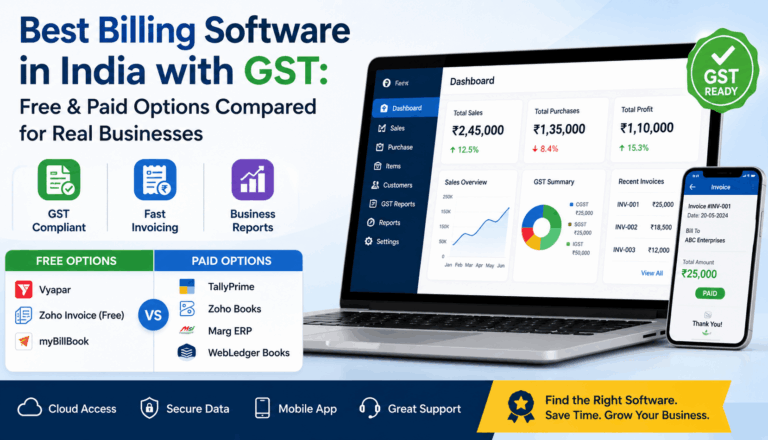
- GST compliance built-in – GSTR-1, GSTR-3B, e-invoicing, e-way bills. If the software doesn’t handle these natively, it’s creating extra work, not reducing it.
- Bank reconciliation – Automatic matching of bank transactions to entries. Doing this manually every month is a time sink.
- Multi-user access – Your accountant, your operations person, and you shouldn’t be sharing one login and stepping on each other’s work.
- Reports that make sense – P&L, balance sheet, cash flow – formatted in a way you can actually read and act on.
- Cloud access – This one matters more than people admit. Being able to check your receivables from your phone while you’re at a client meeting is genuinely useful.
Most platforms marketed as best accounting software will claim all of the above. The difference shows up in how well they actually execute on it.
Top Accounting Software Options for Indian Businesses in 2026
Tally Prime – Still the Default for a Reason
Ask any accountant in India what software they know, and Tally is usually the first answer. It’s been the backbone of small business accounting software in India for decades, and Tally Prime – the current version – has added cloud features and a cleaner interface to keep up.
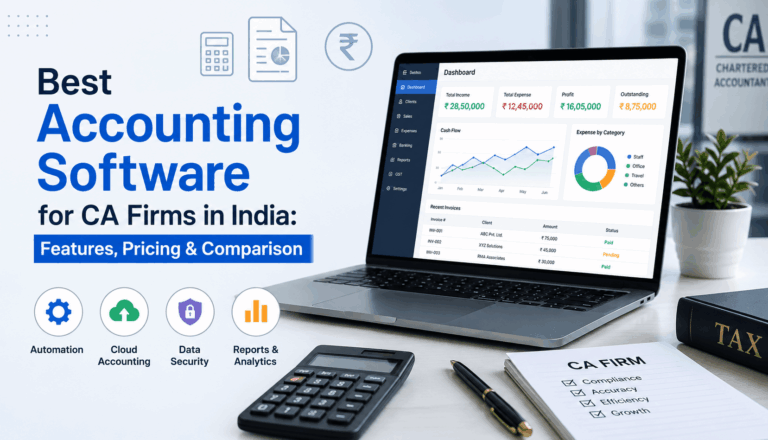
The GST module is solid. Voucher entry is fast once you know the shortcuts. And practically every CA in India can work with Tally files, which matters when you’re getting audited or need help quickly.
The catch? It’s desktop-first. The cloud version exists but it’s not as smooth as tools that were built for cloud from the ground up. And for businesses that need a salesperson in the field raising invoices from a phone – Tally isn’t the most comfortable fit.
Best for: Established businesses, manufacturing, trading companies, CA-managed accounts.
Zoho Books – Proper Cloud Accounting Without the Compromise
Zoho Books is what happens when cloud accounting software is built right. Everything lives online, multiple people can access it simultaneously, and the mobile app actually works – not as an afterthought but as a real functioning tool.
GST filing, e-invoicing, TDS management – it handles all of it. The bank reconciliation is automated. And because it’s part of the Zoho ecosystem, it connects well with Zoho CRM, Zoho Inventory, and other tools if you’re already using them.
For small business accounting software in India, Zoho Books hits a nice balance – it’s not overwhelming for a 10-person business but it scales if you grow. Pricing starts at around Rs. 749/month for smaller businesses, which is reasonable for what you get.
Best for: Service businesses, startups, e-commerce, businesses already on Zoho products.
Webledger Books – Built Specifically for the Indian Market
Most people haven’t heard of Webledger Books, and that’s a bit of a miss. This is GST accounting software built specifically around how Indian businesses – especially SMEs – actually operate.
The GST reconciliation feature is particularly good. It compares your GSTR-2B against your ITC automatically and flags mismatches before you file. That one feature has saved businesses from claiming input tax credit incorrectly – which is exactly the kind of thing that leads to GST notices.
There’s also a Scan & Enter feature that reads invoices and creates entries automatically, and Auto Bank Entries that processes your bank statement Excel and matches transactions. For a business owner who doesn’t have a full-time accountant, this reduces manual entry significantly.
The Client Login feature is worth mentioning – your clients can log in and generate their own invoices, which works particularly well for recurring billing. Multi-business login lets you manage multiple entities from a single account without juggling separate logins.
Best for: SMEs, businesses with heavy GST compliance needs, multi-entity businesses.
QuickBooks India – Good for Service Businesses Watching Their Expenses
QuickBooks has a clean interface, decent invoicing, and reasonable expense tracking. As accounting software India goes, it’s a solid option for service-based businesses that bill clients, track project costs, and need basic financial reports.
The GST features have improved but still lag behind Tally and Zoho Books in terms of depth. If GST compliance is your main pain point, there are better options. But for freelancers, consultants, and small agencies – QuickBooks does what it needs to without overwhelming you.
Busy Accounting Software – The Regional Alternative
Busy is particularly popular in North India and among trading businesses. It’s positioned as an alternative to Tally – similar desktop-first approach, strong inventory management, and solid GST accounting software features.
If your accountant is already familiar with Busy, the transition cost is low. It’s also notably more affordable than Tally Prime for basic setups.
Best for: Traders, distributors, retail businesses.
The Automation Features That Are Actually Worth Your Attention
Most people ignore this part – they pick accounting software based on brand name and then use maybe 30% of its features.
Here’s what to actually switch on and use:
Auto bank reconciliation – Connect your bank feed or upload your statement. Let the software match entries. Stop doing this manually.
E-invoice automation – If your turnover crosses the threshold, e-invoicing is mandatory. The best small business accounting software generates and registers e-invoices automatically when you create a sale entry. One step, not three.
WhatsApp and email triggers – Webledger Books and a few others let you send invoices, payment reminders, and statements automatically via WhatsApp. Your customer gets the invoice the moment it’s created. Payment follow-ups go out without anyone having to remember.
GST reconciliation – GSTR-2B vs your purchase register. GSTR-3B vs your sales data. Running this manually every month is how mismatches slip through. Good cloud accounting software does this comparison automatically and shows you exactly where the numbers don’t match.
Recurring invoices – If you have clients you bill the same amount every month, set up recurring invoices. They generate and send automatically. This is a small thing that saves real time.
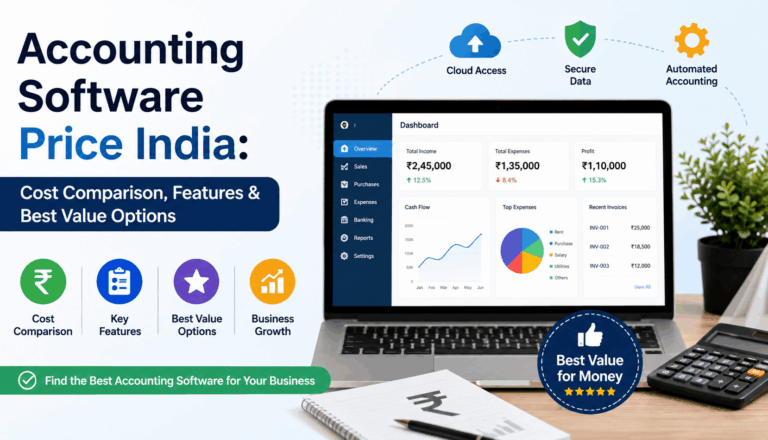
Pricing Snapshot
| Software | Type | Starting Price |
|---|---|---|
| Tally Prime | Desktop + Cloud | Rs. 1,800/year (single user) |
| Zoho Books | Cloud | Rs. 749/month |
| WebLedger Books | Cloud | Affordable SME Pricing |
| QuickBooks India | Cloud | Rs. 1,500/month approx. |
| Busy | Desktop | Rs. 9,000/year approx. |
Key Takeaways
- If your accountant drives most decisions, Tally remains the safest bet – they already know it.
- If you want proper cloud accounting software with strong GST features, Zoho Books and Webledger Books are the most complete options for Indian businesses.
- Automation isn’t just nice to have in 2026 – it’s the difference between a business that has clean books and one that’s always scrambling before the filing deadline.
- Don’t pick the best accounting software based on ads. Pick based on whether it handles your specific compliance needs – GST filing, TDS, e-invoicing, bank reconciliation.
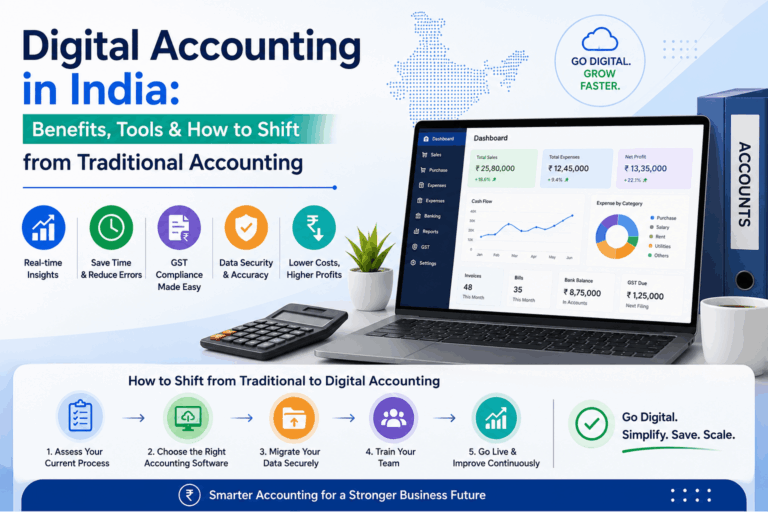
- The switch feels painful for about two weeks. After that, you’ll wonder why you waited.
The right accounting software india setup doesn’t just make filing easier. It gives you actual visibility into your business – what’s coming in, what’s going out, where the cash is stuck – in real time, not at the end of the quarter when it’s too late to act on it.
That’s the part worth paying for.
Frequently Asked Questions
Answers to common questions about accounting software, GST, cloud access, automation, and small businesses in India.