Most businesses don’t struggle with buying accounting software. They struggle with choosing the right one without overpaying.
That’s where things usually get messy.
One software promises automation but charges extra for GST filing. Another looks cheap at first, but basic features like e-invoicing or multi-user access suddenly sit behind higher plans. And then there are desktop tools that still feel stuck somewhere in 2014.
If you’ve been comparing accounting software lately, you’ve probably noticed one thing already – pricing alone tells you almost nothing.
The real issue is understanding what you’re actually getting for the money.
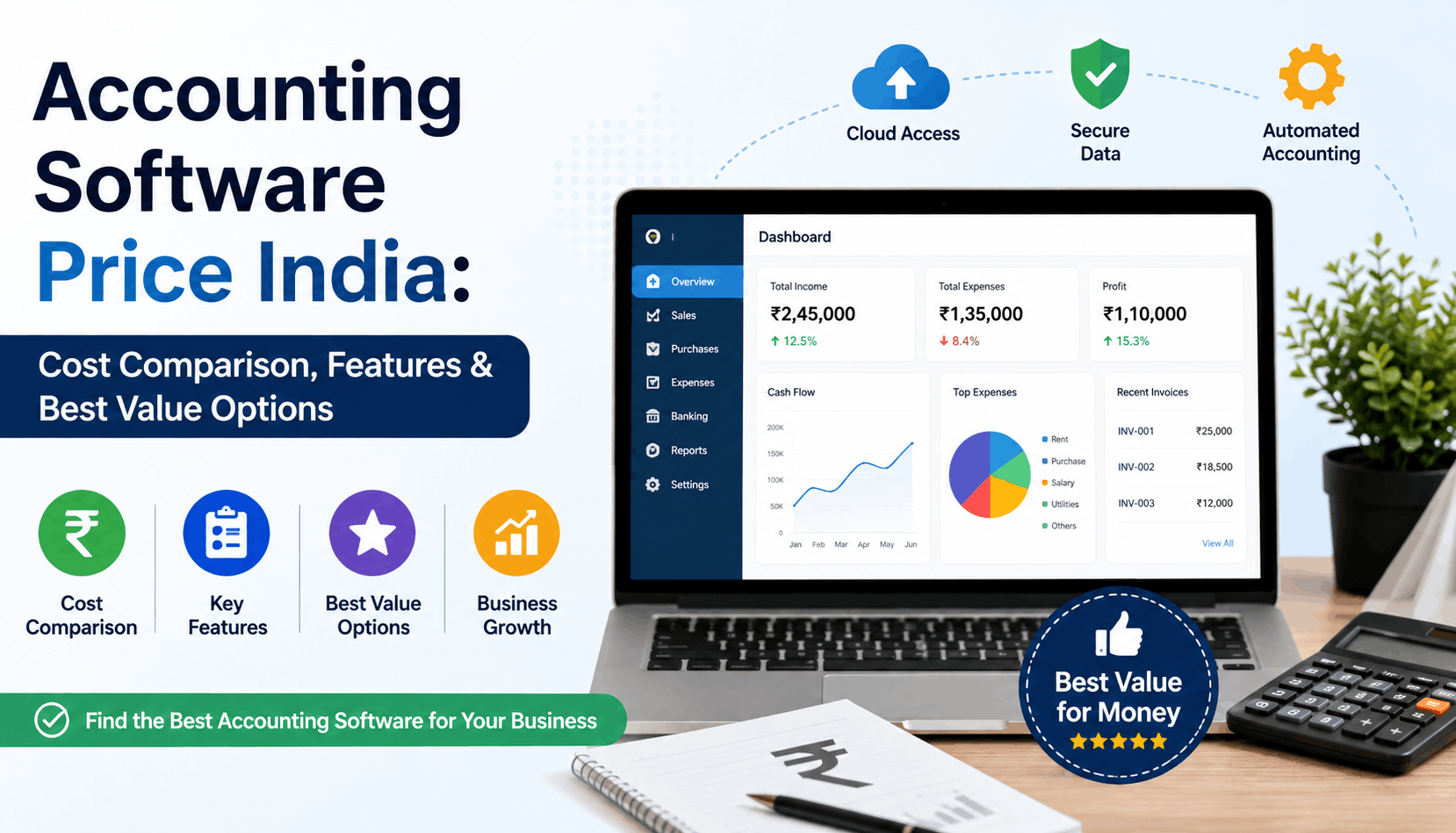
This guide breaks down the current landscape of Accounting Software Price India options, compares features that matter in practical business use, and helps you figure out where the real value lies.
Why Accounting Software Pricing Varies So Much
At first glance, most accounting tools appear similar.
They all claim to offer:
- GST billing
- Reports
- Inventory
- Bank reconciliation
- Invoicing
But once businesses start using them daily, the differences become obvious.
Some platforms charge separately for:
- E-way bill generation
- E-invoicing
- Additional businesses
- Extra users
- Cloud access
- Mobile apps
- CA collaboration
That’s usually the biggest challenge for growing businesses. What looks affordable initially can become expensive within a year.
In practical terms, pricing depends on four major factors:
| Factor | Impact on Pricing |
|---|---|
| Deployment Type | Cloud software usually works on subscription-based pricing. |
| Number of Users | Multi-user access can increase the overall cost. |
| GST & Compliance Features | Advanced filing and reconciliation features may add pricing tiers. |
| Business Scale | Inventory-heavy businesses may require more advanced plans. |
Average Accounting Software Price India Businesses Pay Today
Here’s a realistic comparison based on common accounting software used by Indian SMEs.
| Software Type | Typical Annual Cost | Suitable For |
|---|---|---|
| Basic Billing Software | Rs. 2,000 – Rs. 6,000 | Small Shops & Freelancers |
| GST Accounting Software | Rs. 5,000 – Rs. 15,000 | Growing SMEs |
| ERP Level Systems | Rs. 30,000+ | Mid-Size & Large Businesses |
| Cloud Accounting Software | Rs. 3,000 – Rs. 20,000 | Multi-Location Businesses |
Most people overlook this part: the cheapest option is rarely the most cost-effective one.
For example, if your software saves even 8- 10 hours monthly in GST reconciliation or bank entries, it easily offsets higher subscription pricing.
Features That Actually Matter Before Comparing Pricing
A lot of businesses buy software based on brand familiarity alone.
That works until filing season arrives.
Here are the features worth checking before comparing costs.
1. GST Filing & Reconciliation
This is no longer optional.
A proper GST accounting software should support:
- GSTR-1 filing
- Purchase reconciliation
- ITC mismatch detection
- JSON generation
- E-invoicing
- E-way bill generation
Without these, accountants end up doing manual work outside the software anyway.
2. Cloud Access
Desktop-only systems are becoming difficult for modern teams.
Cloud accounting software allows:
- Remote access
- Real-time reports
- Multi-branch visibility
- Mobile usage
- Accountant collaboration
For businesses with multiple locations, this matters far more than flashy dashboards.
3. Automation Features
This is where newer platforms are pulling ahead.
Useful automation includes:
- Bank statement import
- Auto voucher creation
- WhatsApp invoice sharing
- Inventory syncing
- Recurring invoices
A small trading business processing hundreds of entries monthly can reduce repetitive work dramatically with these features.
4. Mobile App Support
Business owners increasingly check numbers from phones rather than laptops.
A strong business accounting software mobile app should allow:
- Invoice creation
- Outstanding tracking
- Sales monitoring
- Expense entry
- Report access
Anything less becomes frustrating very quickly.
Desktop vs Cloud Accounting Software: Which Gives Better Value?
Here’s where things get tricky.
Traditional desktop software still dominates many Indian businesses because teams are familiar with it. But familiarity doesn’t always equal efficiency.
Desktop Software
Pros
- One-time purchase
- Offline access
- Familiar interface
Cons
- Limited remote access
- Backup dependency
- Multi-user challenges
- Higher maintenance
Cloud Accounting Software
Pros
- Anywhere access
- Automatic updates
- Easier CA collaboration
- Better scalability
- Real-time data syncing
Cons
- Subscription-based pricing
- Internet dependency
For most growing SMEs today, cloud accounting software offers better long-term value despite recurring costs.
Especially when businesses need GST compliance, remote access, and multi-device usage together.
Best Value Accounting Software Options in India
Not every business needs enterprise ERP software.
The smarter approach is matching software to operational complexity.
For Small Businesses
Ideal Features:
- GST billing
- Inventory
- Basic reports
- Mobile access
Budget Range:
Rs.3,000 – Rs.8,000 yearly
Best suited for:
Retail shops, distributors, freelancers, service businesses.
For Growing SMEs
Ideal Features:
- Multi-user access
- GST reconciliation
- E-invoice
- Bank imports
- Advanced reports
Budget Range:
Rs.8,000 – Rs.20,000 yearly
This category offers the best balance between pricing and functionality.
For Accountants & CA Firms
Most CA firms now prefer platforms that combine:
- Client collaboration
- GST working
- Accounting access
- Multi-business management
- Compliance tracking
That’s where integrated systems provide more practical value than standalone billing software.
Hidden Costs Businesses Often Ignore
This part rarely gets discussed during demos.
But it matters.
Training Time
Complicated software slows teams down.
If staff needs weeks to learn basic workflows, operational efficiency suffers immediately.
Upgrade Charges
Some vendors advertise low entry pricing but charge heavily for:
- Additional users
- Extra branches
- Advanced GST features
- Data migration
Always check scalability costs beforehand.
Manual Work Outside Software
This is the silent expense.
If accountants still depend on Excel for reconciliation, GST cleanup, or reporting adjustments, the software isn’t actually saving time.
How to Choose the Right Accounting Software
A practical selection process looks something like this:
Step 1: Identify Business Complexity
Simple billing? Inventory-heavy operations? Multi-location business?
Step 2: Check Compliance Needs
GST filing, e-invoice, reconciliation, TDS requirements.
Step 3: Evaluate Ease of Use
Can non-accounting staff operate it comfortably?
Step 4: Compare Long-Term Cost
Not just first-year pricing.
Step 5: Test Reporting Speed
Most businesses underestimate how often they rely on reports.
Fast access to:
- P&L
- Outstanding receivables
- GST summaries
- Inventory reports
…can genuinely improve decision-making.
FAQs
Which is the best low-cost accounting software in India?
For very small businesses, basic GST billing platforms in the Rs.3,000-Rs.6,000 range are usually enough. But growing businesses often benefit more from cloud-based systems with automation features.
Is cloud accounting software expensive?
Not necessarily.
Many cloud accounting software platforms now cost less annually than traditional desktop software maintenance and upgrades combined.
What features should GST accounting software include?
At minimum:
- GSTR-1 filing
- Purchase reconciliation
- E-invoice support
- E-way bill generation
- GST reports
Without these, compliance becomes partially manual.
Does accounting software reduce accountant dependency?
It reduces repetitive manual work, but professional accounting review is still necessary for compliance and taxation accuracy.
Final Thoughts
The best software isn’t the cheapest one. It’s the one that removes operational friction without creating new problems later.
That’s usually where businesses make better decisions after looking beyond marketing promises and feature checklists.
A good accounting system should save time, simplify compliance, and help owners understand their numbers faster – not create extra processes around itself.
If you’re comparing options right now, focus less on headline pricing and more on practical daily usability. That’s where the real value shows up over time.
And honestly, most businesses only realize that after switching once already.