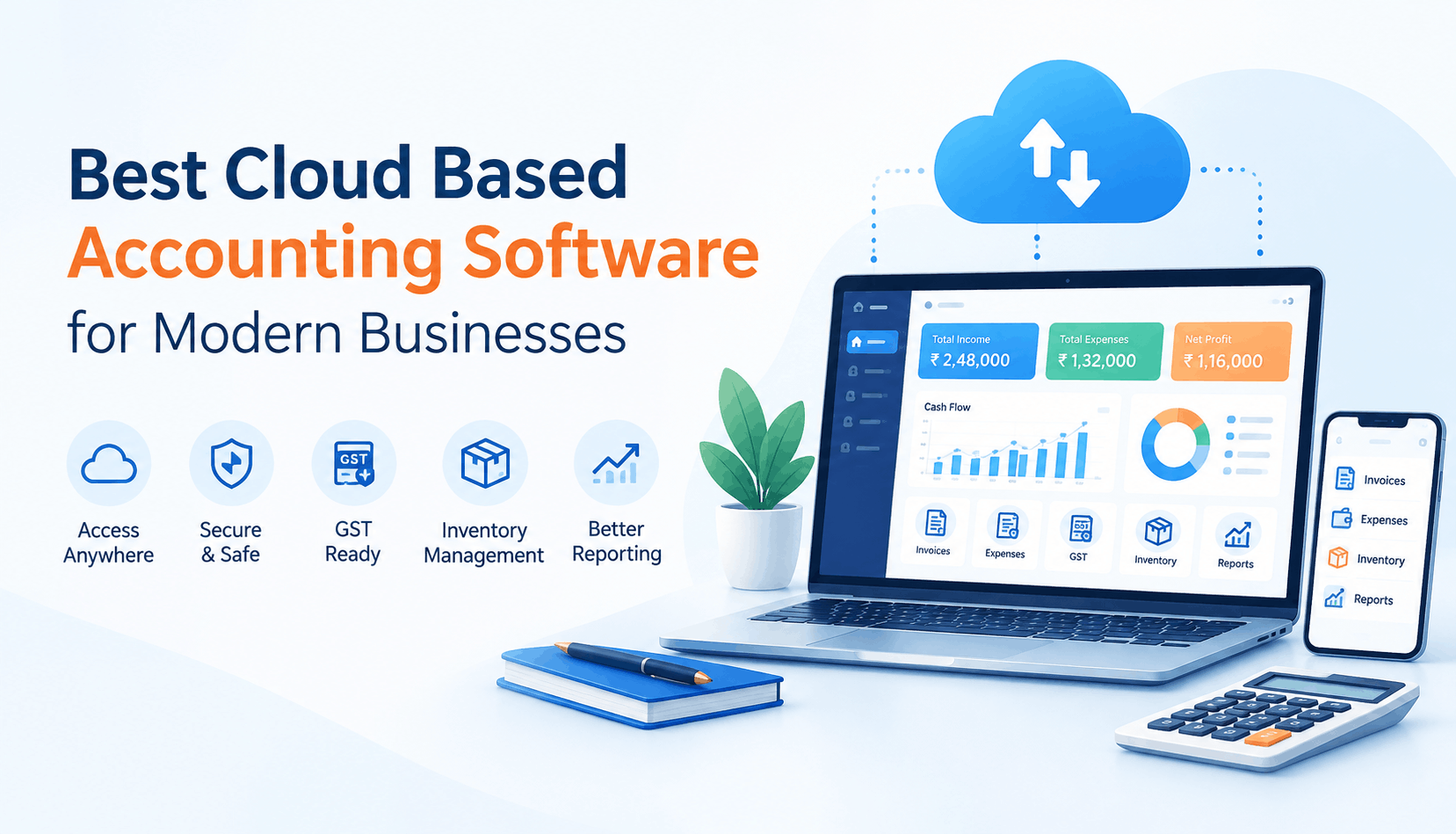
Managing accounts on a desktop system or scattered spreadsheets becomes difficult as a business grows. More invoices mean more entries, more GST data means more reconciliation work, and multiple branches or users can make it harder to keep everyone working with the same financial information.
That is where cloud accounting software can help.
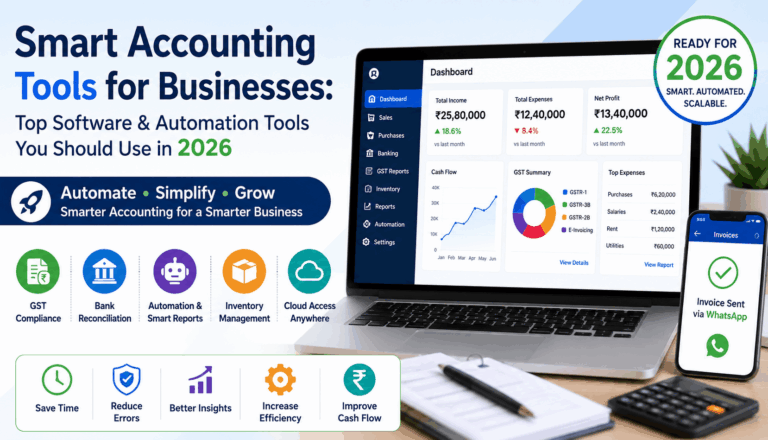
The best cloud based accounting software gives businesses access to accounting, invoicing, GST, inventory, banking, reports, and other financial information through an internet connected device. Instead of depending on one computer in the office, business owners and finance teams can work with the same data from different locations.
For Indian businesses, the choice also needs to go beyond basic bookkeeping. GST reporting, e-invoicing, e-way bills, inventory, bank reconciliation, mobile access, and multi-user workflows can all influence which software is suitable.
This guide explains what to look for, compares some popular options, and shows how to choose software based on the way your business actually operates.
What Is Cloud Based Accounting Software?
Cloud based accounting software is accounting software hosted online rather than being dependent entirely on a local computer. Your financial data is stored on cloud infrastructure and can generally be accessed through a browser or connected application.
A modern cloud accounting platform can cover activities such as:
- Sales and purchase accounting
- Invoice creation
- Expense tracking
- GST calculations and reports
- E-invoicing and e-way bills
- Bank reconciliation
- Inventory management
- Profit and loss reporting
- Balance sheet and other financial reports
- Receivables and payables
- Multi-user access
- Mobile accounting
The important difference is not simply that the software is “online.” The real benefit is having financial information available within a connected system that supports daily business workflows.
Why Are Businesses Moving to Cloud Accounting?
For a small business, accounting may initially be manageable through spreadsheets or desktop software. As transaction volume increases, however, the limitations become more noticeable.
1. Access from different locations
A business owner can check financial information without being physically present at the office. Accountants and finance teams can also work remotely when the software supports appropriate access controls.
2. One source of financial information
Instead of maintaining separate spreadsheets for sales, purchases, outstanding payments and inventory, businesses can keep these activities connected within one accounting system.
3. Easier collaboration
Multiple authorised users can work with the same financial data. Role-based access can also help businesses control what different employees are allowed to view or modify.
4. Less dependence on manual processes
Cloud accounting platforms can automate repetitive activities such as invoice creation, payment reminders, bank reconciliation and GST-related workflows, depending on the product.
5. Better visibility
Real-time dashboards and reports can help business owners understand revenue, expenses, receivables, inventory and profitability without waiting for a manually prepared report.
What Should You Look for in the Best Cloud Based Accounting Software?
There is no single accounting platform that is best for every business. A retailer, wholesaler, service company and manufacturing business can have very different requirements.
Before choosing software, check these areas.
Accounting and financial reports
At minimum, the system should support core accounting transactions and provide useful reports such as:
- Profit and Loss
- Balance Sheet
- Trial Balance
- Ledgers
- Receivables and payables
- Cash flow information
- Expense reports
The software should make it easy to move from a summary figure to the underlying transaction when you need to investigate something.
GST and compliance
For an Indian business, GST functionality is a major consideration.
Look for support relevant to your business, such as GST-compliant invoices, GST reports, GSTR-1, GSTR-2B reconciliation, e-invoicing and e-way bills.
Do not assume that every product includes every compliance feature in every plan. Check the exact edition and current feature list before purchasing.
Inventory management
If you sell physical products, accounting alone may not be enough.
Useful inventory capabilities can include:
- Stock tracking
- Item wise reports
- Low stock alerts
- Multiple locations or branches
- Purchase and sales integration
- Stock valuation
- Product level reporting
The goal is to avoid maintaining one system for accounting and another disconnected spreadsheet for stock.
Banking and reconciliation
Bank reconciliation becomes increasingly important as transaction volume grows.
A good system should make it easier to import or connect bank transactions, match them with accounting entries and identify unreconciled items.
Multi-business and multi-branch support
If you operate multiple businesses, branches or GST registrations, check whether the software can handle them conveniently.
A business owner should not have to repeatedly log out and log in just to switch between entities if the software is designed to manage multiple businesses from one account.
Mobile access
Mobile access is useful for business owners who need to check sales, outstanding payments, reports or transactions while away from their desk.
However, “mobile app available” does not automatically mean that every accounting function is available on mobile. Check what the app actually allows you to do.
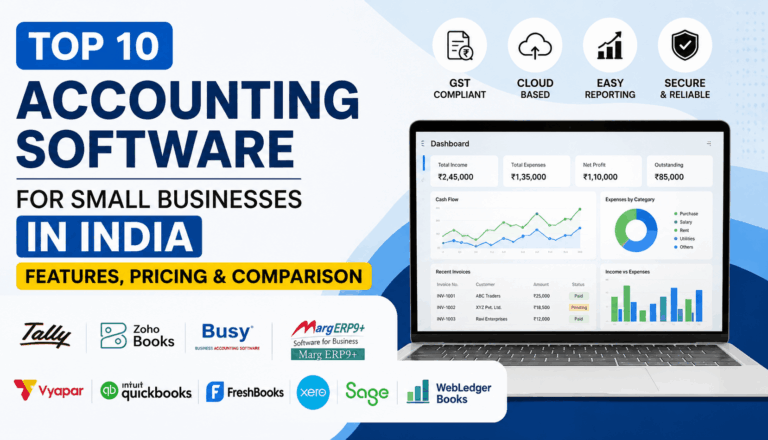
Best Cloud Based Accounting Software Options in India
The following products represent different approaches to cloud accounting. The right choice depends on business size, workflow, accounting complexity, inventory requirements and budget.
| Software | Particularly useful for | Notable areas to evaluate |
|---|---|---|
| WebLedger Books | Indian businesses, traders, wholesalers, SMEs and businesses needing accounting + GST + inventory | Multi-business, multi-branch, GST reports, inventory, e-invoice/e-way bill, mobile access |
| Zoho Books | Businesses looking for a broad cloud accounting platform | Accounting, GST, inventory, banking, automation, reporting and integrations |
| TallyPrime with Cloud Access | Businesses already familiar with Tally and wanting remote access | Accounting, inventory, GST, reporting and cloud access |
| BUSY | Indian SMEs with accounting, GST and inventory requirements | GST, accounting, inventory, reconciliation, e-invoicing and cloud access |
This is not a ranking. Each platform has a different product approach, and suitability depends on the business.
WebLedger Books
WebLedger Books is a cloud accounting platform designed around accounting, billing, GST and inventory workflows for Indian businesses.
Its current feature set includes multi-business and multi-branch management, role-based user access, accounting, GST reports, GSTR-1 JSON, bank Excel import, bank reconciliation, inventory management, e-invoice and e-way bill generation, and e-commerce sales import. It also provides mobile access for creating and sharing sales and purchase bills, viewing transactions and checking business reports.
This combination can be relevant for traders, wholesalers, retailers, SMEs and accountants who need accounting and operational information in the same system.
One practical advantage to evaluate is how much of your daily workflow can stay inside one platform. If your team currently uses separate tools for billing, stock, GST work and reporting, consolidating those activities may reduce repeated data entry.
Zoho Books
Zoho Books is a broader cloud accounting platform with features covering accounting, invoicing, banking, inventory, GST, reporting, automation and customer-facing workflows.
Its India edition currently supports GST reporting and filing workflows, e-invoicing, e-way bills, bank reconciliation, inventory and multiple levels of reporting. Zoho also offers different plans based on business requirements and user limits.
For a business already using other Zoho products, the wider Zoho ecosystem may also be an important factor to consider.
TallyPrime with Cloud Access
TallyPrime remains a widely used accounting platform in India, with accounting, inventory and statutory compliance capabilities.
Tally’s current Cloud Access offering allows users to work with TallyPrime remotely through cloud infrastructure. Tally also documents capabilities for GST, e-invoicing, e-way bills, banking, inventory and reporting.
This option can make particular sense for businesses that already depend heavily on Tally workflows and want remote access rather than completely changing their accounting environment.
BUSY
BUSY provides accounting, GST, inventory and business reporting features for Indian businesses. Its cloud offering provides access to accounting data through cloud infrastructure.
Current BUSY capabilities include GST reconciliation, accounting reports, bank reconciliation, inventory management, payment reminders, e-invoicing and e-way bills. BUSY also provides a mobile application for activities such as viewing reports, creating invoices and checking stock.
Businesses with detailed inventory and GST requirements should compare the exact edition and cloud plan before deciding.
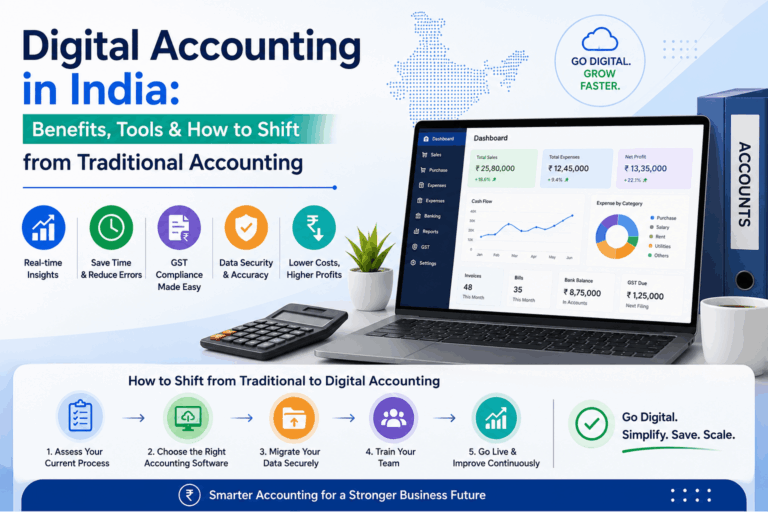
Cloud Accounting Software vs Traditional Accounting Software
The difference is easiest to understand through everyday work.
| Area | Traditional/local setup | Cloud accounting |
|---|---|---|
| Access | Usually tied to local setup or network | Accessible through supported online access |
| Collaboration | Can require local infrastructure | Multiple authorised users can work remotely |
| Updates | May require manual installation | Typically managed by the service provider |
| Data availability | Dependent on local setup and backups | Hosted online, subject to provider infrastructure |
| Mobile access | Depends on product | Commonly available through mobile apps or browser |
| Scalability | May require additional infrastructure | Generally easier to expand across users/locations |
Cloud does not automatically mean better. A business should still evaluate security, backups, support, data export, integrations, pricing and the provider’s reliability.
Illustrative Example: A Growing Wholesale Business
Consider a wholesale business with two branches.
The owner currently maintains sales and purchase records in accounting software, while stock is tracked separately in Excel. GST information is prepared using another workflow, and the owner asks the accountant for outstanding payment reports whenever they need them.
As transaction volume increases, the same information gets entered multiple times.
The business could move to a cloud accounting platform where sales, purchases, inventory, GST reports and receivables are connected. Branch-level access and mobile reporting could also allow the owner to monitor operations without being physically present at each location.
Lesson: The value of cloud accounting is not simply remote access. The bigger opportunity is connecting financial information with the business processes that generate it.
Who Should Use Cloud Accounting Software?
Cloud accounting is particularly useful for:
- Small and medium-sized businesses
- Traders and wholesalers
- Retail businesses
- Startups
- Service businesses
- Businesses with multiple branches
- Businesses with remote finance teams
- Chartered Accountants managing client accounts
- Businesses that need regular GST reporting
- Owners who want mobile access to financial information
A very small business with minimal transactions may not need an advanced accounting platform. In that case, a simple accounting or billing solution may be sufficient.
Common Mistakes When Choosing Accounting Software
Choosing based only on price
A low subscription price is not necessarily cheaper if important features require separate add-ons or if your team spends more time handling manual work.
Instead: Compare the total cost, including users, businesses, branches, integrations and compliance related requirements.
Assuming every cloud product has the same GST features
“GST enabled” can mean very different things across products.
Instead: Check exactly which GST reports, reconciliations, e-invoicing and filing workflows are included.
Ignoring inventory requirements
Businesses sometimes choose accounting software first and discover later that inventory management is too basic.
Instead: Test your actual stock workflow before buying.
Not checking migration options
Moving existing accounting data can be one of the most overlooked parts of switching software.
Instead: Ask what data can be imported, how opening balances are handled and what support is available during migration.
Choosing software without testing daily workflows
A long feature list does not guarantee that the software will be comfortable for your team.
Instead: Test common activities such as creating an invoice, recording a purchase, checking outstanding payments, reconciling the bank and generating GST reports.
How to Choose the Right Cloud Accounting Software
Use this simple checklist before making a decision:
- Define your business type: trading, wholesale, retail, services, manufacturing or mixed.
- List your GST requirements: GST reports, reconciliation, e-invoicing, e-way bills and filing.
- Check transaction volume: invoices, purchases, payments and inventory transactions.
- Identify users: owner, accountant, finance team, branches and external CA.
- Check inventory needs: basic stock, warehouses, batches, variants or multi-branch inventory.
- Review mobile functionality: determine what your team actually needs to do from a phone.
- Compare pricing: include users, businesses, branches and add-ons.
- Test migration: understand how existing accounting data will move.
- Review support: check documentation, onboarding and support channels.
- Run a real workflow: test the software with a representative business process before committing.
The best cloud based accounting software is therefore not necessarily the platform with the longest feature list. It is the one that fits your accounting process without creating unnecessary complexity.